
Snowball and avalanche use the same monthly debt budget differently: snowball targets the smallest balance first, while avalanche targets the highest APR. The practical trade-off is an earlier first payoff vs. lower interest cost—and your own balances and APRs determine how large that trade-off is.
Download the free debt snowball vs avalanche Excel spreadsheet for the fuller payoff plan, or use the calculator below for a quick side-by-side estimate. If you want a broader framework for budgeting, prioritizing debts, and choosing next steps, start with our debt management plan.
Download the Free Spreadsheet (.xlsx)This post contains affiliate links. If you use one of these links, we may earn a commission at no extra cost to you. Learn more.
Table of Contents
- Debt Snowball: Smallest Balance First
- Debt Avalanche: Highest APR First
- Debt Snowball vs. Avalanche Comparison
- Interactive Debt Comparison Tool
- Choosing Your Method
- Free Excel Payoff Spreadsheet
- Frequently Asked Questions
- Free Money Reset Workbook
Debt Snowball Explained: Smallest Balance First
The Debt Snowball method, popularized by Dave Ramsey, focuses on closing the smallest balance first so you can see an account disappear sooner. If visible progress helps you stay engaged, these debt payoff success stories offer more motivation-focused reading.
How the Debt Snowball Works
- List all debts: Include every debt, from credit cards to personal loans or car loans.
- Order by balance: Arrange debts from smallest to largest balance, ignoring interest rates.
- Pay minimums: Make at least the required minimum payment on every debt.
- Attack smallest debt: Put every extra dollar on the smallest debt above the minimum.
- Roll payment: After payoff, add that payment to the next smallest debt.
- Repeat: Continue until all listed debts are paid.
Debt Avalanche Explained: Highest APR First
The Debt Avalanche targets the highest APR first. When the debts, rates, and monthly payment budget stay the same, that ordering can reduce interest costs compared with sending extra money to lower-rate balances first.
If you’re separately considering a balance transfer, compare any transfer fee, the promotional period, and the APR afterward before assuming it lowers total cost; our no-fee balance transfer credit cards guide covers that separate decision.
How the Debt Avalanche Works
- List all debts: Include all debts, as with the snowball.
- Order by interest rate: Arrange from highest to lowest APR.
- Pay minimums: Make at least the required minimum payment on every debt.
- Attack highest interest: Apply extra payments to the highest-APR debt.
- Roll payment: After payoff, roll its payment to the next highest-APR debt.
- Repeat: Continue until all listed debts are paid.
Debt Snowball vs. Avalanche: A Side-by-Side Comparison
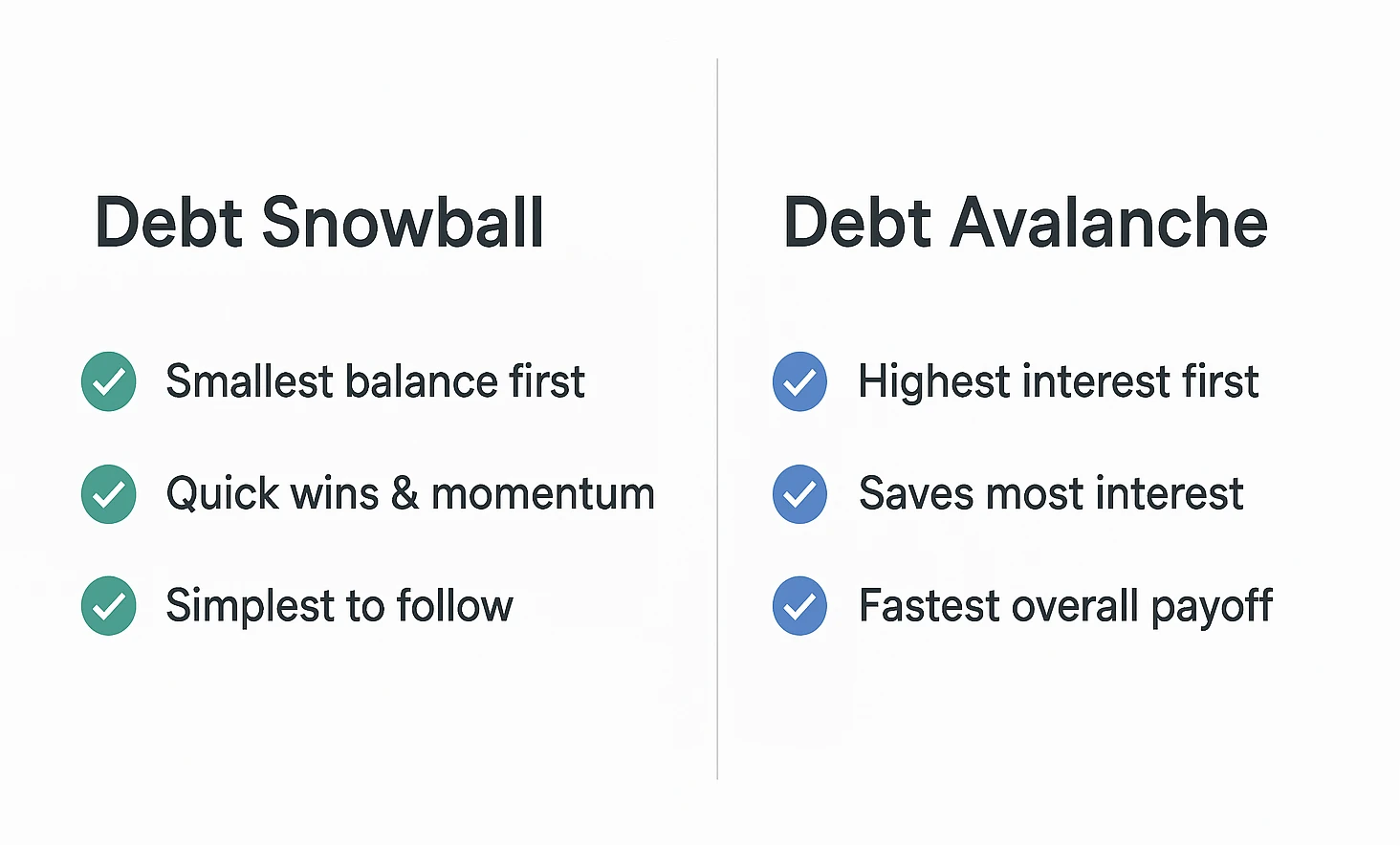
Both debt payoff methods keep required minimum payments going on every debt. The difference is where the extra money goes: snowball ranks debts by balance, while avalanche ranks them by APR.
| Feature | Debt Snowball | Debt Avalanche |
|---|---|---|
| Priority | Smallest balance first | Highest interest rate first |
| Primary Benefit | Earlier visible account payoffs | Usually lowers interest cost |
| Total Cost | May pay more in interest | Typically lowers interest when other terms stay the same |
| Good Fit When | Earlier account payoffs help you stay consistent | Reducing interest cost is the main priority |
Use the calculator after the comparison above to see how payoff order changes your estimated interest and timeline. For a single fixed loan, use our loan amortization calculator.
Interactive Debt Payoff Comparison Tool
Enter at least two debts, then adjust the extra amount you can put toward debt each month. The comparison updates automatically and uses the same monthly payment budget for both methods.
Estimate only: this preview uses APR ÷ 12, assumes no new charges, fees, or rate changes, and holds each starting minimum payment constant until that debt is paid. With advanced minimums off, it uses a simple preview minimum of the greater of 2% of the starting balance or $25. Enter the minimum shown on your statements for a closer estimate. The preview supports up to three debts; the spreadsheet below is the fuller planning tool.
Use the current minimum payment shown for each debt. If a field is blank when you turn this on, the calculator fills it with the preview minimum as a starting point.
This quick preview compares up to three debts. Use the downloadable spreadsheet for a larger list and month-by-month tracking.
Enter a balance and APR for two debts to compare snowball and avalanche.
Your debt payoff comparison
Debt Snowball
Total interest: $0.00
Estimated payoff time: 0 months
Targets debts in smallest starting-balance order after minimum payments are covered.
Debt Avalanche
Total interest: $0.00
Estimated payoff time: 0 months
Targets the highest APR after minimum payments are covered.
Choosing the Right Debt Payoff Method for You
Use the calculator results as a decision aid instead of trying to label yourself a “snowball person” or an “avalanche person.” Focus on three questions:
- How large is the interest gap? A small estimated difference leaves more room to choose based on motivation; a large difference makes the cost trade-off harder to ignore.
- How soon is the first account payoff? If snowball closes an account meaningfully earlier, decide whether that visible win would help you keep making the planned payments.
- Can you follow the order consistently? A mathematically cheaper plan only helps if the monthly payment is realistic for your budget and you keep making it.
For an impartial overview of the two strategies, see the CFPB’s guide to reducing debt. A debt payoff tracker can also give you a simple place to record progress.
A hybrid approach
You can start with a small balance for an early win, then switch to highest-APR-first if you want to put more emphasis on interest savings. Switching methods can make the plan harder to track, so compare the trade-off first and write down the order you intend to follow.
Free Debt Snowball vs Avalanche Excel Spreadsheet
The three-debt calculator above is for a quick comparison. Use the spreadsheet for the fuller payoff plan: the same workbook works as both a debt snowball spreadsheet and a debt avalanche spreadsheet, so you can compare the two payoff orders and update balances over time.
Features of Our Debt Payoff Spreadsheet
- Debt Input: Enter creditor, balance, interest rate, and minimum payment.
- Automatic Calculations: The spreadsheet sorts debts for both methods.
- Side-by-Side Comparison: See payoff time and interest for each method.
- Interest Comparison: Compare estimated interest under the two payoff orders.
- Payoff Timeline: See an estimated payoff timeline for each strategy.
- Progress Tracking: Update balances over time and use the tracker to distinguish the current target from completed debts.
Download the Spreadsheet (.xlsx)
How to Use the Spreadsheet
- Download: Click the button above.
- Open: Use Excel, Google Sheets, or LibreOffice Calc.
- Google Sheets quick setup: Upload the Excel file to Google Drive and open it with Google Sheets. You can edit the Excel file there, or choose File > Save as Google Sheets to convert a copy.
- Enter Debts: In “Debt Entry,” input names, balances, APRs (%), and minimums.
- Set Extra Payment: Specify your monthly extra payment.
- View Plans: Check “Snowball” and “Avalanche” tabs for order, dates, and interest paid.
- Choose Method: Use the interest and payoff-time comparison to choose an order you can follow.
- Track Progress: Update balances regularly so the plan reflects what you actually owe.
- Use the Tracker: Mark the current target and completed debts as you work through the plan.
Want a monthly plan? Pair it with our zero-based budget spreadsheet to free up cash for extra payments.
Use Visual Tracking to Stay Consistent
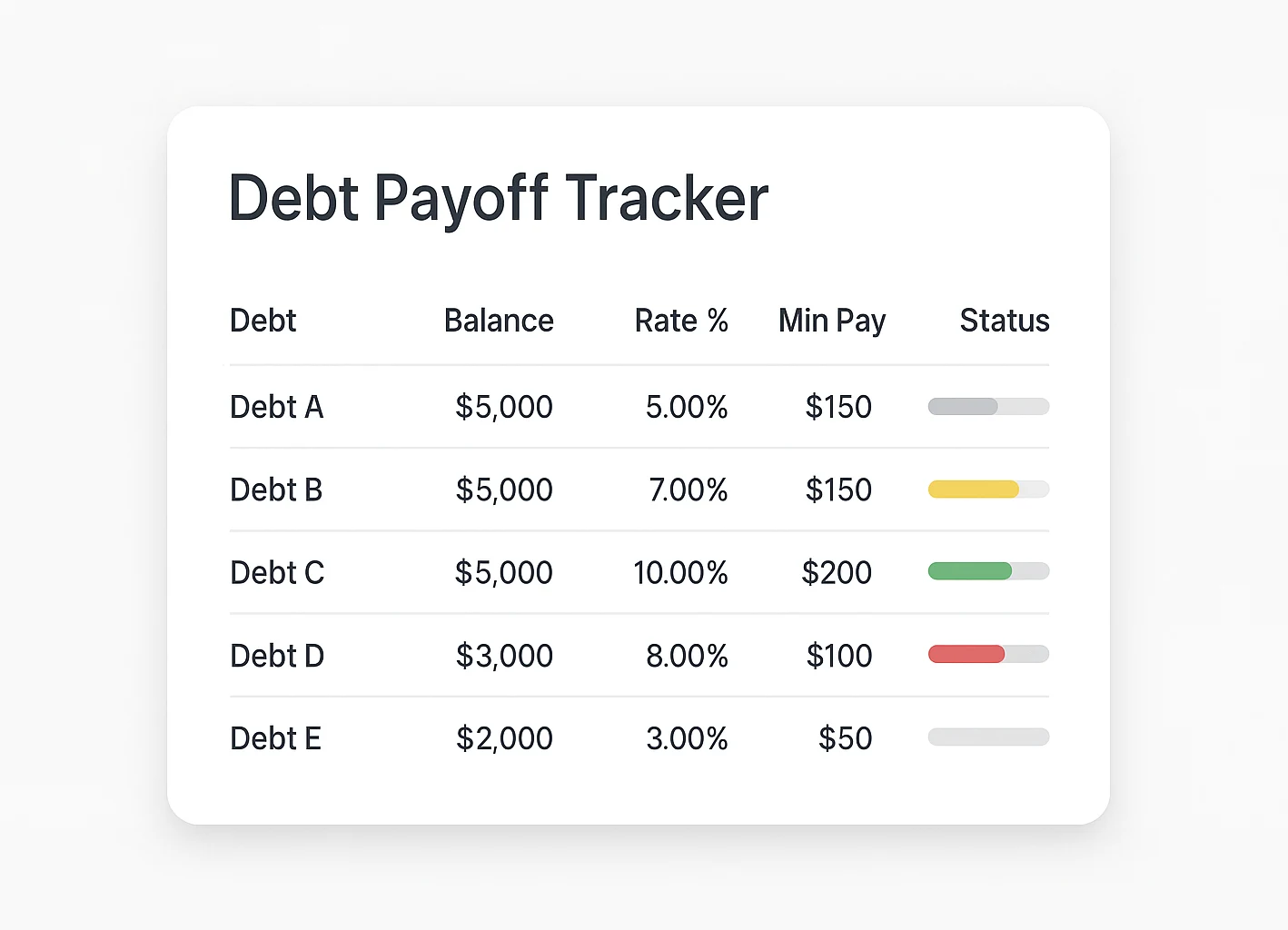
A tracker is most useful when it helps you notice whether the plan still matches reality. Update balances and required minimums from your statements, keep the current target obvious, and adjust the extra-payment amount when your budget changes. The goal is not a perfect-looking sheet; it is a payoff order you can keep following.
If the spreadsheet gives you the numbers but the decision still isn’t obvious—especially when APRs, minimums, fees, or other financial priorities pull in different directions—a finance Q&A can help you talk through the trade-offs before you change your plan.
Talk Through a Complicated Debt-Plan Decision
Frequently Asked Questions
Once the payoff order makes sense, the next question is whether it fits the rest of your monthly money.
See Your Debts, Spending, and Goals Together
The 30-Minute Money Reset holds up to 8 debts and 8 goals; its SNAPSHOT sheet totals income, spending, debts, and goals automatically.
Confirm to get the workbook and frugal money tips. Unsubscribe anytime.
Something went wrong. Please check your email address and try again.
Choose the Payoff Order You Can Follow
Start with the numbers: compare both methods, look at the interest difference and payoff timeline, and decide whether the snowball’s earlier first payoff is worth any extra interest it produces in your scenario.
Then download the spreadsheet, choose the order, and keep updating it as balances, APRs, or required payments change. The goal is not to pick a method in theory; it is to keep a plan that still matches the numbers you actually owe.
This calculator and spreadsheet are planning tools, not financial advice. Verify required minimum payments, APRs, fees, and account terms with your lenders before acting, and consider a qualified financial professional if your situation is complex.

