

Use the calculator below to see how extra payments change your payoff. Enter your current loan balance, stated annual interest rate, and remaining term, then compare your baseline schedule with a monthly add-on or one-time lump sum. For a broader strategy across multiple debts, see our debt management plan.
You’ll get the monthly payment plus any recurring extra you enter, payoff time, total interest, interest saved, and a month-by-month loan amortization schedule. A one-time lump sum stays separate. Treat the result as a planning estimate rather than a lender payoff quote, and confirm how your lender or servicer applies extra payments before changing what you send.
Simple Loan Amortization Calculator with Extra Payments
Enter the loan balance, annual interest rate, remaining term, and any extra principal payments. The estimate updates automatically and includes a month-by-month amortization schedule. Use the loan’s stated interest rate rather than a fee-inclusive APR; lender fees, taxes, insurance, daily-interest or precomputed-interest methods, and changing rates are not modeled.
Amortization schedule with current extras
Compare the adjusted ending balance with the baseline balance you would have without extra payments.
| Payment # | Starting balance | Interest | Scheduled principal | Extra payment | Ending balance | Baseline balance |
|---|
This post contains affiliate links. If you use our links, we may earn a commission at no extra cost to you. Learn more.
Table of Contents
- Simple Loan Amortization Calculator with Extra Payments
- Understanding Loan Amortization Basics
- How Extra Payments Change Your Payoff
- Free Money Reset Workbook
- How to Use the Calculator
- How to Read the Amortization Schedule
- Frequently Asked Questions
- Your Next Step
Understanding Loan Amortization Basics
If your balance seems to fall slowly early in repayment, the amortization schedule shows why. In a standard fixed-rate amortizing loan, more of the payment generally goes to interest early on; as the balance falls, the split shifts toward principal. The CFPB explains the same pattern in its amortization overview for auto loans.

What an Amortization Schedule Shows
Each scheduled payment in this calculator’s monthly model has two parts:
- Principal: The portion that reduces the loan balance.
- Interest: The borrowing cost calculated from the remaining balance and stated rate.
Because the balance is largest near the beginning, the interest portion is generally larger early in the schedule. As principal falls, less interest accrues and more of the fixed payment goes toward principal.
How Extra Payments Change Your Payoff
Once you understand the split, you can model what happens when additional money is credited to principal. Depending on the loan terms, that can shorten payoff time and reduce total interest.

How Extra Payments Can Speed Things Up
- Lower the principal: Extra money credited to principal reduces the balance.
- Reduce future interest: In a balance-based amortization model, a lower balance means less interest accrues going forward.
- Shorten payoff: More of the balance is retired sooner.
- Lower total interest: Paying the balance down earlier can reduce the interest paid over the modeled term.
Before sending extras, check your loan agreement or ask your lender or servicer whether a prepayment penalty applies and how extra payments are credited. Rules vary by loan type and terms; for mortgages, see the CFPB’s current prepayment-penalty guidance.
Extra Payments vs. Refinancing
They solve different problems. Extra principal keeps the current loan and aims to shorten payoff; refinancing replaces the loan, so the comparison depends on the new rate, term, closing costs, and fees. If this is a mortgage, use our mortgage recast vs. refinance explainer before assuming a new loan is cheaper.
Illustrative Extra-Payment Example
Using the calculator’s monthly-amortization assumptions, a $20,000 loan at a 6% annual interest rate over 5 years looks like this:
- Baseline: Scheduled monthly payment ≈ $386.66; Total interest ≈ $3,199.
- +$25/month: Payoff ≈ 56 months (save ~4); Interest ≈ $2,969 (save ~$230).
- +$50/month: Payoff ≈ 53 months (save ~7); Interest ≈ $2,770 (save ~$429).
Planning for a vehicle? Try our auto loan payoff calculator to model car-specific numbers.
The calculator can show what a higher payment does to the loan. Before turning that number into a monthly commitment, make sure the rest of your month can support it.
See What Your Extra Payment Has to Fit Around
Enter income, spending, up to 8 debts, and up to 8 goals; the SNAPSHOT sheet brings the key numbers together automatically.
Confirm to get the workbook and frugal money tips. Unsubscribe anytime.
Something went wrong. Please check your email address and try again.
How to Use the Calculator
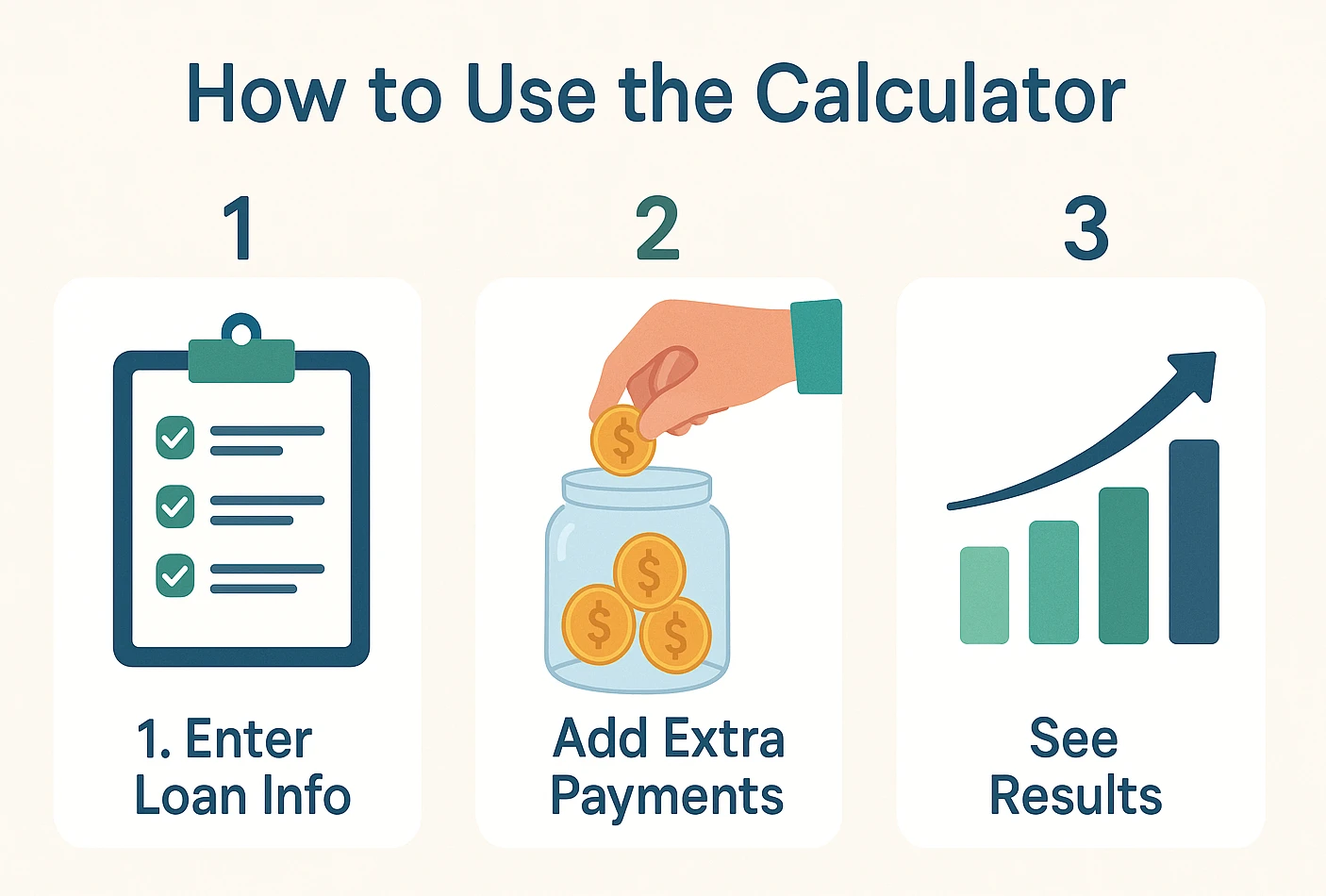
Step 1: Plug in Your Loan Basics
- Loan Balance: Your current principal balance (e.g., $15,000), not the original amount if you have already paid some down.
- Annual Interest Rate: The stated annual interest rate used to calculate principal and interest (e.g., 6.5%). APR can include fees this calculator does not model.
- Remaining Term: Years remaining on the current repayment schedule (e.g., 5 years).
Step 2: Try Extra Payments
- Monthly Add-On: Add a fixed amount each month (e.g., $50).
- One-Time Lump Sum: A single payment in a chosen month (e.g., $500 in month 12).
Step 3: See Your Results
As you adjust the inputs, the results panel updates with your monthly payment plus any recurring extra, new payoff time, and estimated interest saved. You’ll also see your amortization schedule update month by month—use the results to compare extra-payment scenarios before deciding what fits your budget and loan terms.
If you’re working with a mortgage, use our mortgage payoff calculator with extra payments for mortgage-specific scenarios.
How to Read the Amortization Schedule
The schedule shows one row per payment. These labels match the calculator above:
| Column Name | What It Tells You |
|---|---|
| Payment # | The payment number in the schedule. |
| Starting Balance | The modeled principal balance at the start of the month. |
| Interest | The interest charged for that modeled month. |
| Scheduled Principal | The principal portion of the regular scheduled payment. |
| Extra Payment | The monthly add-on plus any one-time extra applied in that month. |
| Ending Balance | The modeled balance after the scheduled principal and extra payment. |
| Baseline Balance | The modeled ending balance for the same month without extra payments. |
Example (first 3 rows): With the default inputs—$15,000 at a 6.5% annual interest rate over 5 years and no extras—the schedule begins like this.
| Payment # | Starting Balance | Interest | Principal | Ending Balance |
|---|---|---|---|---|
| 1 | $15,000.00 | $81.25 | $212.24 | $14,787.76 |
| 2 | $14,787.76 | $80.10 | $213.39 | $14,574.37 |
| 3 | $14,574.37 | $78.94 | $214.55 | $14,359.82 |
With no extra payments, the ending balance and baseline balance match. Once you add extra principal, the gap between them shows how far ahead the modeled payoff has moved.
The calculator can show what an extra payment does to this loan. It cannot tell you whether that money would be better used here, on a higher-interest debt, in emergency savings, or somewhere else in your financial plan. If that trade-off is the part you’re stuck on, a finance professional can help you think it through.
Frequently Asked Questions
Your Next Step
Run a baseline, then test one or two extra-payment amounts you could realistically sustain. If you have a target payoff window, raise or lower the monthly extra until the estimated payoff time lines up with it. Compare the regular monthly amount you would send, payoff time, and interest difference, then confirm your loan’s payment-allocation and prepayment rules before acting. If you’re deciding which of several debts should get extra cash first, compare our debt snowball vs. avalanche guide.
This content is for informational purposes only and not financial advice. Consult a qualified professional before making financial decisions. Policies and fees vary by lender.

