
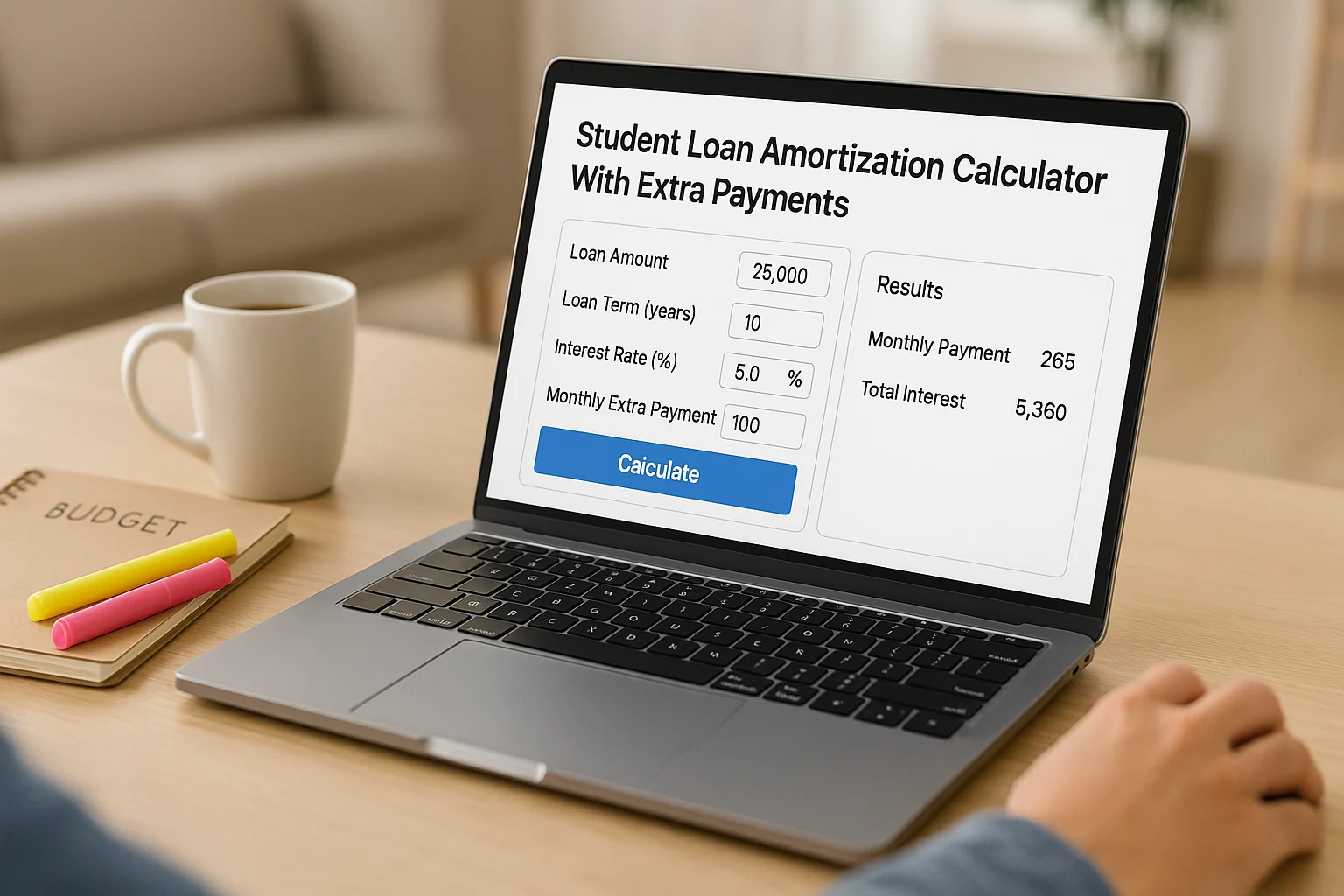
Use the calculator below to see how recurring extra payments, a one-time lump sum, or biweekly timing could change your student loan payoff. It compares estimated payoff dates and interest savings using a simple daily-interest model, so treat the result as a planning estimate, not a servicer quote. For a broader debt strategy, see our debt management plan.
Student Loan Amortization Calculator with Extra Payments
Enter your current principal balance, APR, and monthly payment to compare your baseline with extra-payment options. The calculator uses a simple daily-interest planning model; your servicer’s exact accrual and payment-allocation rules can produce different results.
Enter your balance, APR, and monthly payment to see a payoff estimate.
- Baseline payoff
- —
- Your plan payoff
- —
- Time saved
- —
- Interest saved
- —
Show estimated amortization schedule
| Payment | Date | Starting principal | Payment | Interest | Principal | Ending principal |
|---|
Assumes a fixed APR and no fees or capitalization during the estimate. Payments are modeled as covering accrued interest first, then principal. Confirm your actual payoff and payment instructions with your servicer before acting.
This post contains affiliate links. If you sign up or purchase through them, we may earn a commission at no extra cost to you. Learn more.
Table of Contents
- Key Takeaways
- Understanding Amortization and Extra Payments
- Student Loan Amortization Calculator with Extra Payments
- How to Use the Student Loan Amortization Calculator with Extra Payments
- Example Payoff Scenarios
- Federal vs. Private Loans: What to Check Before Paying Extra
- See How Much Room Your Month Really Has
- Ways to Find Room for Extra Payments
- Common Payoff Mistakes to Avoid
- Frequently Asked Questions
- Turn the Estimate Into a Sustainable Repayment Plan
Key Takeaways
- Start with Servicer Numbers: Use your current principal balance, APR, and required payment rather than an old statement or original loan amount.
- Test One Lever at a Time: Compare a recurring extra payment, a lump sum, or biweekly timing so you can see what actually changes the estimate.
- Read the Estimate, Not a Promise: The calculator can model student loan repayment scenarios, but your lender or servicer controls the real accrual and payment application.
- Plan Before You Prepay: Compare faster payoff with emergency savings, more expensive debt, and any federal repayment or forgiveness options that apply to you.
Understanding Student Loan Repayment & Amortization
Amortization shows how each payment reduces a loan over time. In this calculator’s fixed-rate daily-interest model, interest accrues between payment dates; each payment covers the modeled accrued interest first, and the remainder reduces principal.
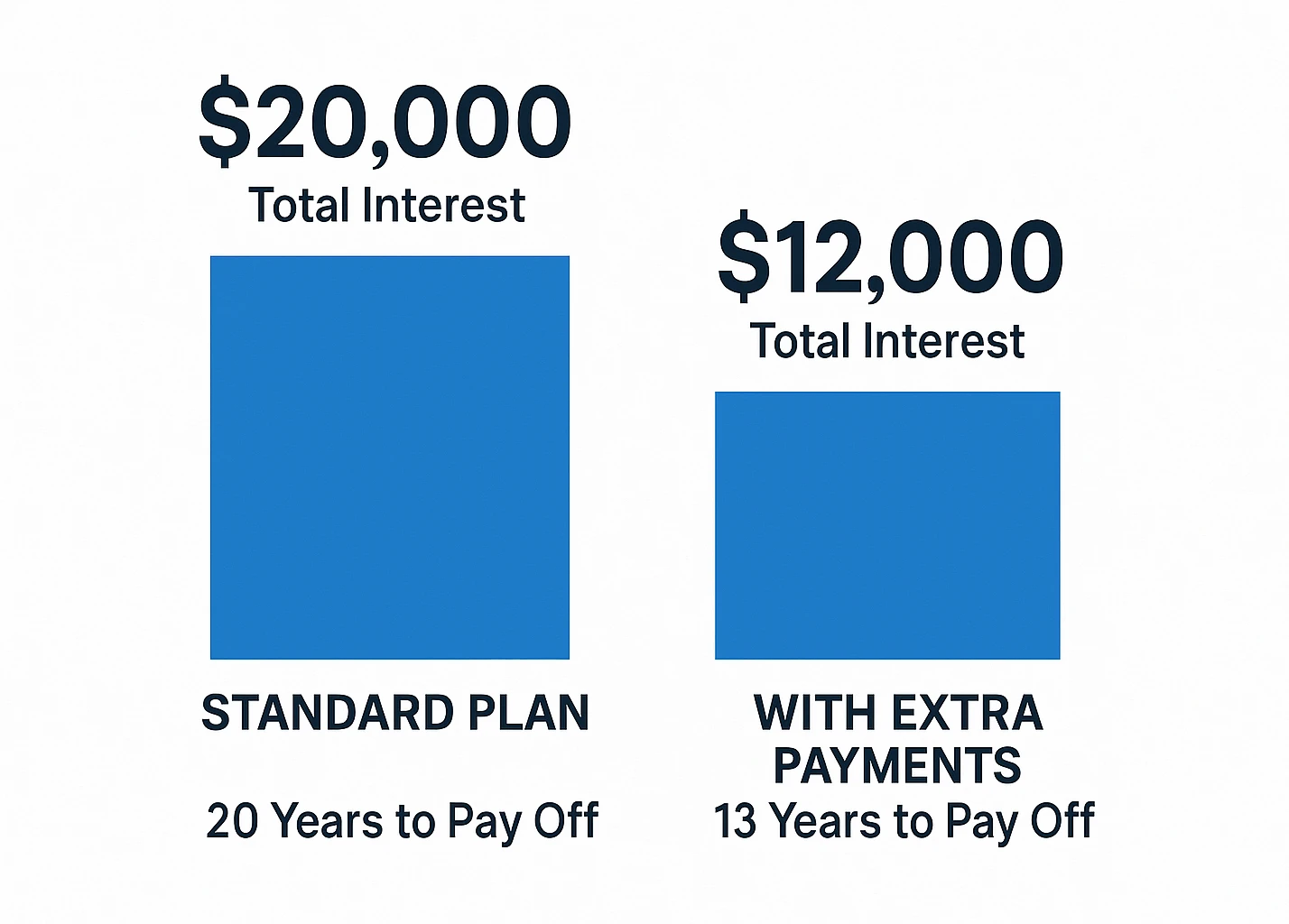
Why Extra Payments Change the Payoff
An extra payment matters because principal falls sooner. When the payment is credited as expected, that can:
- Lower Future Interest: Less principal remains for future interest to accrue on.
- Shorten the Repayment Timeline: More of the balance disappears earlier, reducing the number of payments needed.
- Free Up Future Cash Flow: Once the loan is paid off, that required payment leaves your monthly obligations.
What This Calculator Models
- Your Monthly Baseline: Current principal, APR, and required monthly payment.
- Recurring and One-Time Extras: Test a monthly extra payment, an immediate lump sum, or both.
- Monthly or Biweekly Timing: The biweekly option models half the monthly payment every 14 days while keeping the annual extra-payment budget comparable.
- Payoff and Interest Differences: Compare estimated payoff dates, time saved, interest saved, and the payment-by-payment schedule.
- Loan-Type Guidance: Federal, private, and “not sure” choices change the caution shown with the result, not the underlying calculation.
The calculator is a planning model, not a servicer quote. Real payment timing, accrued interest, capitalization, fees, variable rates, and allocation rules can change the outcome.
How to Use the Calculator
Use the calculator to compare your current monthly-payment baseline with realistic extra-payment scenarios. Start with the numbers shown by your servicer, then change one lever at a time so you can see what is actually driving the result.
Step 1: Plug in Your Loan Details
- Current Loan Balance ($): The amount you still owe, found on your loan servicer’s website. Example: Enter 25000 for $25,000.
- Annual Interest Rate (%): The yearly rate your loan charges. Example: Enter 6.8 for 6.8%.
- Current Monthly Payment ($): Your current required payment. Enter 0 if that is what your servicer currently requires; add a positive planned payment to project a payoff. Example: Enter 287 for $287.
Step 2: Add Extra Payments
- Extra Each Month ($): Add a recurring amount on top of your regular payment. Example: Enter 50 for an extra $50 per month.
- One-Time Extra Now ($): Test a lump sum such as a bonus or tax refund without pretending it will recur. If you intend to pay the loan off in full, request a payoff quote from your servicer rather than treating the displayed principal balance as the final amount due.
- Payment Cadence: Keep monthly payments or model half the monthly payment every 14 days. With biweekly selected, the calculator spreads your entered monthly extra across the 26 payments so the annual extra-payment budget stays comparable.
Step 3: Add Loan-Type Context
Choose federal, private, or “not sure.” The selection does not change the calculation; it changes the caution and next step shown with your estimate.
Step 4: Read the Estimate
- Baseline vs. Your Plan: Compare the payoff dates side by side.
- Time and Interest Saved: See the estimated difference created by your changes.
- Loan-Specific Caution: Read the federal/private guidance before treating the estimate as a repayment plan.
- Amortization Schedule: Expand the table when you want to inspect each estimated payment.
Biweekly Payment Breakdown
For a simple biweekly strategy, split the monthly payment in half and send that amount every 14 days. Over 26 payments, that equals 13 full monthly payments in a year. The calculator models each half-payment as credited when received, so your servicer’s handling of partial payments matters.
| Example | Monthly | Biweekly | Monthly Equivalent |
|---|---|---|---|
| $100 payment | $1,200 | $50 × 26 = $1,300 | ~$108.33 |
Before using biweekly payments as a plan, confirm that your servicer credits each partial payment when received rather than holding it until the full monthly amount is due.
Handling Multiple Loans During Student Loan Repayment
Got multiple loans? Run the calculator for each one separately. If your only goal is minimizing interest cost, directing extra money to the highest-rate loan is the mathematical default. If motivation or cash-flow simplicity matters more, see our debt snowball vs. avalanche guide to compare approaches.

Example Payoff Scenarios
These examples use the same simple daily-interest planning model as the calculator. Baseline: $25,000 principal, 6.8% APR, and a $287 monthly payment. Actual servicer results can differ.
Scenario 1: Small Monthly Extra Payment
Adding $50 extra each month produces this estimate:
| Metric | Baseline | +$50/month | Estimated Impact |
|---|---|---|---|
| Time to Payoff | ~10 years, 1 month | ~8 years, 1 month | ~2 years sooner |
| Total Interest | ~$9,563 | ~$7,528 | ~$2,035 less |
Scenario 2: Biweekly Payment Strategy
Paying half of $287 every 14 days gives 26 half-payments a year—the equivalent of 13 full monthly payments. If each payment is credited when received, the estimate is:
| Metric | Baseline | Every 2 Weeks | Estimated Impact |
|---|---|---|---|
| Time to Payoff | ~10 years, 1 month | ~8 years, 11 months | ~1 year, 2 months sooner |
| Total Interest | ~$9,563 | ~$8,368 | ~$1,194 less |
Scenario 3: Lump Sum Payment
Applying a $1,000 one-time extra at the start of the estimate gives:
| Metric | Baseline | +$1,000 Now | Estimated Impact |
|---|---|---|---|
| Time to Payoff | ~10 years, 1 month | ~9 years, 6 months | ~7 months sooner |
| Total Interest | ~$9,563 | ~$8,620 | ~$943 less |
Scenario 4: Larger Loan with Extra Payments
For a $50,000 principal balance at 6.8% APR with a $574 monthly payment, adding $100 extra each month gives:
| Metric | Baseline | +$100/month | Estimated Impact |
|---|---|---|---|
| Time to Payoff | ~10 years, 1 month | ~8 years, 1 month | ~2 years sooner |
| Total Interest | ~$19,125 | ~$15,055 | ~$4,070 less |
The larger the balance, the more important it is to test the numbers rather than assume a fixed dollar extra will have the same effect for everyone.
Federal vs. Private Student Loans: What to Check Before Paying Extra
Before committing more cash to the loan, check what kind of student loan you have. Extra payments can reduce principal on both federal and private loans, but the trade-offs differ because the repayment options and borrower protections are not the same.
Federal Loans
- No Federal Prepayment Penalty: You can make extra payments on federal student loans without a prepayment penalty.
- Extra-Payment Instructions: Federal payments are applied to outstanding interest before principal, and servicers let borrowers direct how excess payments are allocated across loans. Check your servicer’s payment directions if you want to target a specific loan or avoid an unwanted due-date advance.
- Forgiveness: Extra payments may not fit a strategy built around Public Service Loan Forgiveness (PSLF) or another federal discharge path. Check current repayment-plan eligibility before prepaying aggressively.
- Refinancing: Refinancing federal loans into a private loan gives up federal repayment options and protections, including access to federal forgiveness programs.
Private Loans
- Check the Contract: Student loans can generally be prepaid without a penalty, but confirm your private lender’s terms and payment instructions.
- Extra-Payment Allocation: Payments generally cover applicable fees and accrued interest before principal. Ask how your lender handles any amount above the required payment.
- Variable Rates: If your loan has a variable rate, future interest costs can change as the rate changes, so do not assume today’s rate for the entire payoff.
- Refinancing: A refinance may lower your rate if you qualify, but compare the new term, fixed-versus-variable rate, fees, and borrower protections before switching.
Before changing your payoff strategy, verify the rules that apply to your loan. For federal loans, StudentAid.gov’s Repayment Calculator shows current plan eligibility and PSLF-aware comparisons. For payment-allocation questions, the CFPB explains the general order and paid-ahead issue. Then confirm your own servicer or lender instructions.
The calculator can show what an extra payment would do. Before committing that money every month, make sure it actually fits beside everything else your budget has to cover.
See How Much Room Your Month Really Has
Enter your income, spending, up to 8 debts, and up to 8 goals; the SNAPSHOT sheet brings the key numbers together automatically so you can see what is realistically available for extra payments.
Confirm to get the workbook and frugal money tips. Unsubscribe anytime.
Something went wrong. Please check your email address and try again.
Ways to Find Room for Extra Student Loan Payments
The calculator is only useful if the extra amount fits your real budget. Look for repeatable cash-flow changes instead of one-off guilt rules.
Cutting Expenses
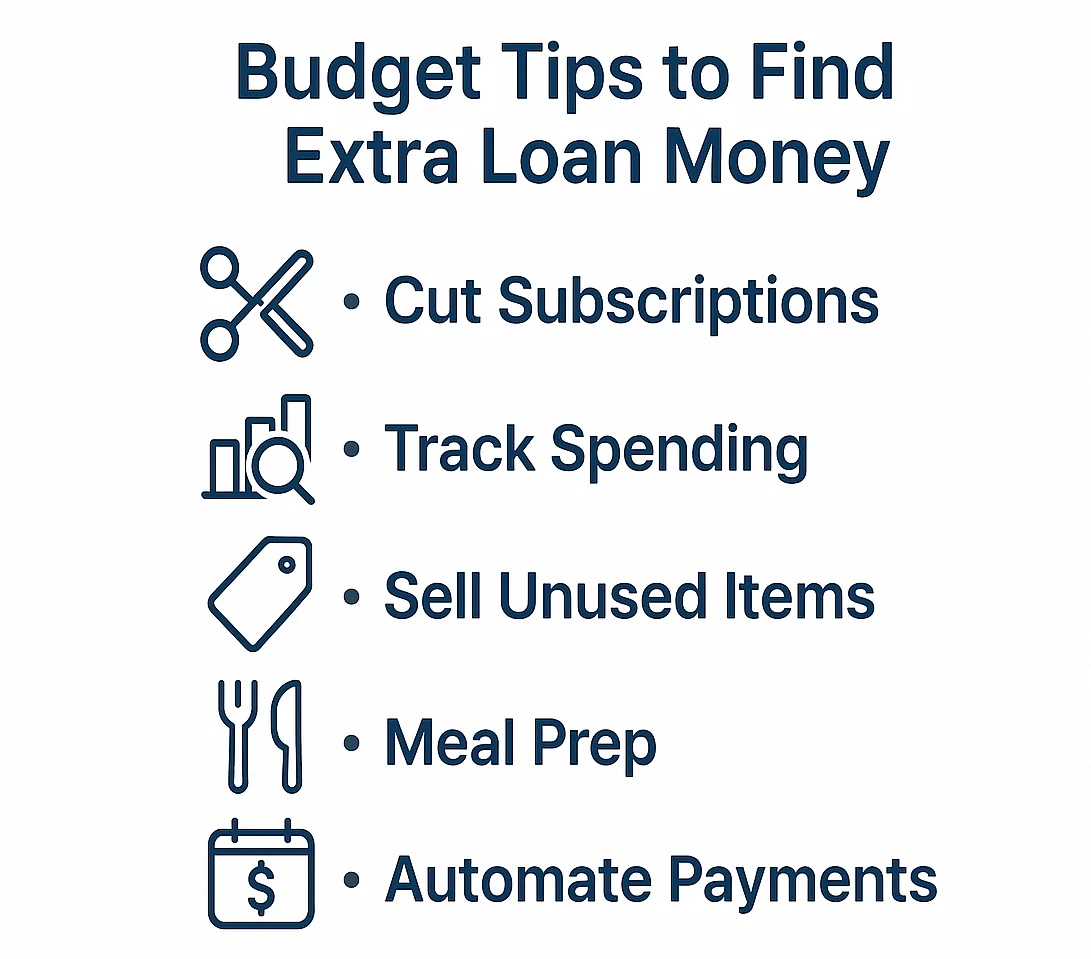
- Make a Budget: Use a budgeting app or our zero-based budget template to track spending and plan your month.
- Review Recent Spending: Look for recurring charges or frequent purchases that matter less to you than faster payoff.
- Trim Recurring Costs: Cancel unused subscriptions, compare service plans, or reduce takeout if those changes fit your priorities.
- Automate the Difference: If a cut is sustainable, schedule that amount as an extra payment instead of relying on leftover cash at month-end.
Boosting Your Income
- Pick Up a Side Hustle: Freelancing, tutoring, or other project work can create extra income, but the amount and consistency vary.
- Negotiate Pay: If your responsibilities or market value have increased, prepare a specific case for a raise rather than counting on one in advance.
- Sell Unused Items: Treat one-time proceeds as a lump-sum option rather than part of your recurring monthly budget.
Common Payoff Mistakes to Avoid
A faster payoff is only useful if the plan survives real-life cash flow and your loan’s actual rules. Watch for these mistakes:
- Draining Emergency Savings: Keep enough accessible savings that an unexpected expense is less likely to send you back to high-cost debt; the right amount depends on your situation.
- Ignoring Payment Allocation: Check the next statement to verify how the servicer or lender applied the excess amount and whether your due date changed.
- Ignoring More Expensive Debt: Compare the rates, fees, and consequences of your other debts before sending extra money to a lower-rate student loan.
- Overcommitting: Choose an extra amount you can sustain without missing required payments or draining money needed for near-term expenses.
- Never Reviewing the Plan: Recalculate after a rate, payment, income, or loan-status change instead of assuming the original estimate still fits.
If the calculator says you can pay the loan faster, that still doesn’t answer whether you should. When extra payments compete with emergency savings, higher-interest debt, retirement contributions, or investing, the trade-off can get complicated quickly.
Frequently Asked Questions
Turn the Estimate Into a Sustainable Repayment Plan
Once you find an extra-payment amount that looks useful, turn the estimate into a plan you can verify against your real account:
- Confirm the Inputs: Match the calculator’s balance, APR, and required payment to your current loan account.
- Compare One Change at a Time: Test a recurring extra, a lump sum, or biweekly timing before combining several changes.
- Check the Trade-Offs: Make sure the extra payment does not undermine emergency savings, a more expensive debt payoff, or a federal forgiveness strategy that matters to you.
- Set the Payment Instructions: Automate the extra amount only if the lender or servicer supports the setup you want, and keep records of any special allocation directions.
- Verify the Next Statement: Confirm how the extra amount was applied and whether the due date or loan-group allocation changed.
Keep the Plan Sustainable
Track the balance every few statements instead of judging progress by one payment. Use milestones if they help, lower the extra amount when cash flow gets tight, and recalculate after a refinance, rate change, income shift, or major lump-sum payment. If a visual checkpoint helps, use our debt payoff tracker.
The best extra payment is not the biggest number the calculator will accept. It is the amount you can sustain, apply correctly, and verify on the next statement. Start with one realistic change, confirm how it was credited, then adjust the plan from real account data rather than the original estimate.
This calculator provides estimates, not a guarantee of how your servicer will process payments or how your loan will accrue interest. Federal repayment and forgiveness rules, private-loan terms, and payment-allocation practices can affect the real outcome. Confirm your loan details and extra-payment instructions with your servicer, and use StudentAid.gov for current federal-loan guidance.

