
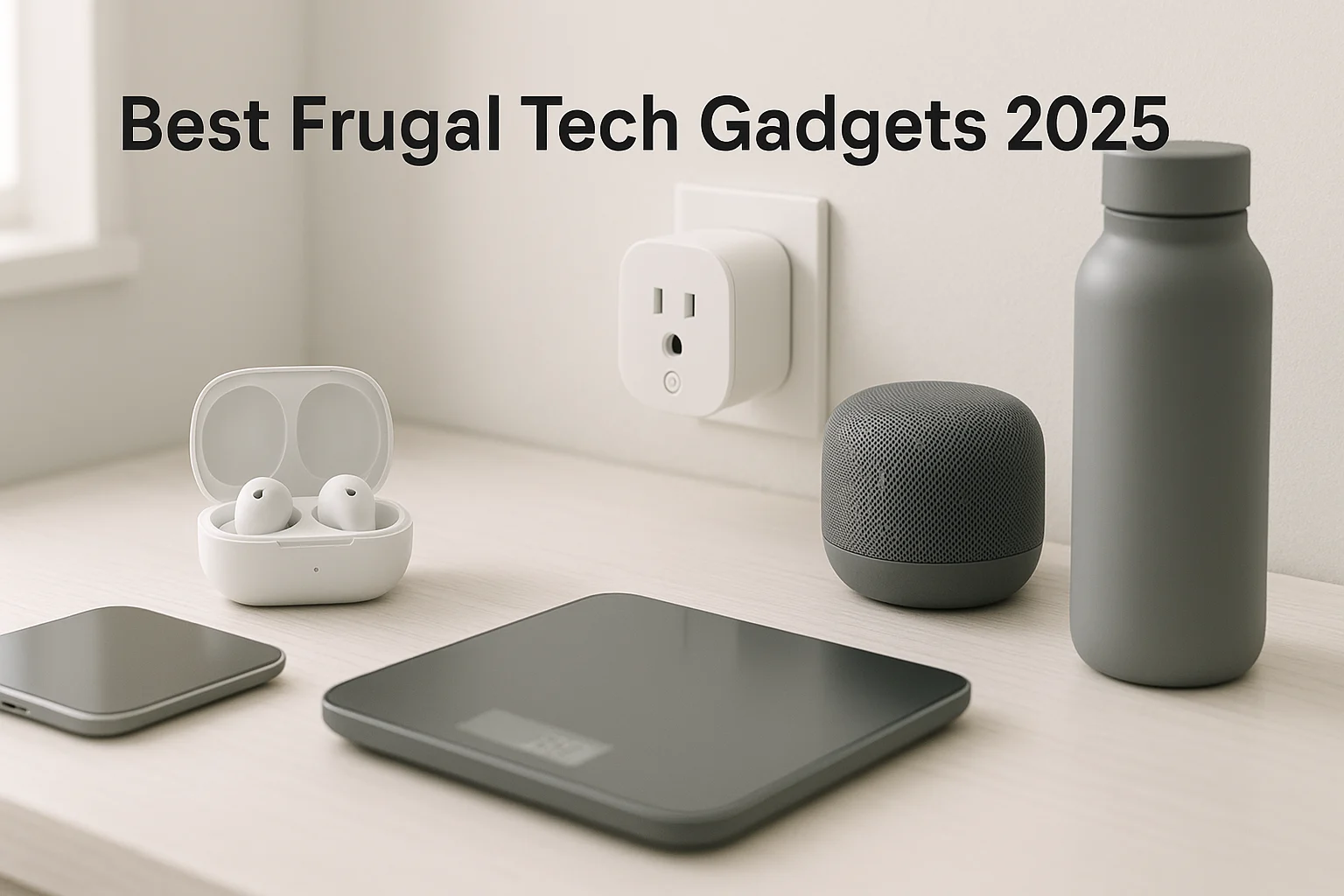
The cheapest gadget is rarely the frugal choice. A better buy solves a repeated problem, works with the devices you already own, and has a clear return or support path if it disappoints.
This guide gives you seven practical frugal tech gadgets first, then a listing checker and a simple process for comparing new, refurbished, and open-box deals without treating a sale badge as proof of value. For the bigger picture, see our guide to living frugally and saving money.
This page contains affiliate links. As an Amazon Associate, we earn from qualifying purchases. If you buy through an affiliate link, we may earn a commission at no extra cost to you. Learn more.
Table of Contents
- What Makes a Tech Purchase Frugal
- 7 Frugal Tech Gadgets Worth Comparing
- Frugal Tech Deal Checker
- How to Choose the Right Frugal Tech Gadgets
- How to Find and Judge Cheap Electronics Deals
- Get the 30-Minute Money Reset
- More Budget Tech Gadgets Worth Considering
- Make Your Budget Tech Last Longer and Spend Less
- Frugal Tech FAQ
- Build a Smarter Budget-Tech Setup
What Makes a Tech Purchase Frugal
A low sticker price is only useful when the gadget fits the job, your existing setup, and the amount of support you need.
- Repeated use: Buy for a problem you solve often, not for a feature you may try once.
- Compatibility first: Check ports, app ecosystem, power requirements, and device support before chasing a discount.
- Total setup cost: A bundle, multi-pack, or refurb is only a win when you need what is included and the condition is clear.
- Exit path: Returns, warranty terms, and seller support matter more when you are taking a chance on a budget or open-box item.
The frugal-tech rule
Pay for the few features that change your routine. Skip the rest. For electronics that draw standby power, a power strip can also provide a real shutoff point instead of leaving every device continuously connected.
7 Frugal Tech Gadgets Worth Comparing
Start with the job you need solved. The table gives fast readers a starting pick in each category; the short reviews below explain the trade-offs and alternatives.
| Category & Starting Pick | Best For | Check Before Buying |
|---|---|---|
| Smart plugs: Kasa Smart Plug Mini 15A (4-pack) | Routines and shutoff schedules | Amperage, app/ecosystem, pack size |
| Smart bulbs: Govee Smart Color Bulbs (4-pack) | Lighting schedules and scenes | Bulb base, brightness, ecosystem, pack size |
| Smart speaker: Entry-level model in your ecosystem | Voice routines and timers | Ecosystem, privacy controls, bundle contents |
| Keyboard & mouse: Logitech MK295 Silent Wireless Combo | Desk and couch productivity | Layout, receiver/Bluetooth, noise, battery type |
| USB-C hub: Anker 332 USB-C Hub (5-in-1) | Adding ports to a thin laptop | Port mix, display support, power passthrough |
| Earbuds: Soundcore P30i Noise Cancelling Earbuds | Daily listening and commuting | Fit, microphones/ANC, battery, return policy |
| Power bank: Anker 25,000mAh Laptop Power Bank | Backup runtime away from outlets | Capacity, output, size, battery safety |
Smart Home Basics
1) Smart Plugs (Best Bought in Multi-Packs)
Automate lamps, fans, and chargers; schedule off-hours to cut standby waste and enable voice control.
- Why they’re useful: Low-cost automation, voice control, schedules, and auto-off routines.
- Top pick: Kasa Smart Plug Mini 15A (4-pack)
- Notes: The Kasa EP10 is rated for a 15A maximum load and uses 2.4GHz Wi-Fi without a separate hub; still verify the load and instructions for the device you plan to control.
- Pros: Fast setup; useful scheduling and auto-off routines.
- Cons: May block adjacent outlet; apps vary by brand.
2) Budget Smart Bulbs (Multi-Pack Value)
Scene presets, dimming, and timers for comfort and efficiency without buying a hub.
- Why they’re useful: Dimming, scenes, and schedules can reduce unnecessary on-time when you actually use the automation.
- Top pick: Govee Smart Color Bulbs (4-pack)
- Pros: Easy ambiance; simple automation.
- Cons: Can be dimmer than premium; app ecosystems differ.
3) Basic Smart Speakers
Hands-free timers, routines, and audio. A low-cost smart-home foundation.
- Why they’re useful: Voice routines, timers, and audio in one compact device.
- Budget route: Compare an entry-level speaker in the ecosystem you already use.
- Notes: Promotional bundles rotate frequently, so compare the exact bundle contents and standalone speaker price before buying.
- Pros: Voice control; routines and timers.
- Cons: Modest sound; privacy trade-offs.

Desk & Laptop Essentials
4) Wireless Keyboard & Mouse Combos (Budget Sets)
A separate keyboard and mouse can make a desk, laptop, or TV setup easier to use without paying for a premium peripheral bundle.
- Why it fits: A practical desk upgrade without moving into premium peripherals.
- Top pick: Logitech MK295 Silent Wireless Combo
- Pros: Comfortable typing; plug-and-play.
- Cons: Battery swaps; dongle dependence.
5) Portable USB-C Hubs
Reclaim ports on thin laptops with a compact hub that adds HDMI, USB data ports, and charging passthrough. Check the exact port mix before buying—neither of the two picks below includes every port type.
- Why it fits: One compact hub can replace several single-purpose adapters.
- Top pick: Anker 332 USB-C Hub (5-in-1)
- Also consider: UGREEN USB-C Hub (5-in-1)
- Pros: Many ports; travel-friendly.
- Cons: Bandwidth sharing; heat under load.
Audio & Power Essentials
6) Budget True Wireless Earbuds
For commutes and workouts, prioritize fit, stable Bluetooth, microphone quality, battery life, and the features you will actually use.
- Why it fits: Everyday wireless features without paying flagship-earbud prices.
- Top pick: Soundcore P30i Noise Cancelling Earbuds
- Also consider: JLab JBuds Mini True Wireless
- Pros: Portable; strong value.
- Cons: Fit varies; mic/ANC quality differs.
7) Portable Power Banks (10,000–25,000mAh)
Keep phones, tablets, and even laptops alive through busy days; look for Power Delivery (PD) for faster top-ups.
- Why they’re useful: Add portable runtime and reduce low-battery scrambles away from an outlet.
- Top pick for laptops and multiple devices: Anker 25,000mAh Laptop Power Bank – designed to handle a laptop plus smaller devices.
- Everyday-carry alternative: INIU 10,000mAh 22.5W Power Bank – compact, fast charging for most phones and small tablets.
- Pros: Reliable backup; PD fast charging; fewer low-battery surprises.
- Cons: Larger packs add weight; check battery-safety information, warranty terms, and seller support before buying.
Already have a listing open for one of these categories? Use the checker next to pressure-test its condition and seller details before you compare price.
Frugal Tech Deal Checker
Choose the gadget category, condition, and how complete the listing looks. The checker tells you what to verify before you call it a deal, then sends you to the deal checklist or back to the matching picks. It does not estimate live market value.
Check a listing
Choose three details to see what deserves a closer look before you buy.
How to Choose the Right Frugal Tech Gadgets
Start with the problem you are solving, then narrow the options before you compare prices. A bargain is not useful if the device does not fit your setup.
Start with fit, not features
Use a simple 3-F check: Fit for the job and your existing devices, Feel for comfort and everyday usability, and Future for support, cables, replaceable parts, and the standards you actually need.
- Compatibility: Check voice assistant, app ecosystem, ports, power requirements, and any platform-specific features before buying.
- Reviews and build: Look for recent owner feedback about the exact model, plus obvious weak points such as cable strain relief, loose ports, or worn controls on used stock.
- Battery and power: For earbuds and power banks, compare the rated runtime or capacity with the output, size, and charging setup you actually need.
- Warranty and returns: Read the exact policy for the seller and condition grade; do not assume new, refurbished, and open-box units share the same terms.
For smart-home gear, Matter can reduce ecosystem friction on compatible devices, but confirm the features supported by both the product and your preferred platform. If upgrade spending tends to sprawl, these budgeting habits that stick can help you keep the list intentional.
Once the fit is right, the next section covers condition, price history, older models, bundles, and the difference between a real deal and a loud sale badge.
How to Find and Judge Cheap Electronics Deals
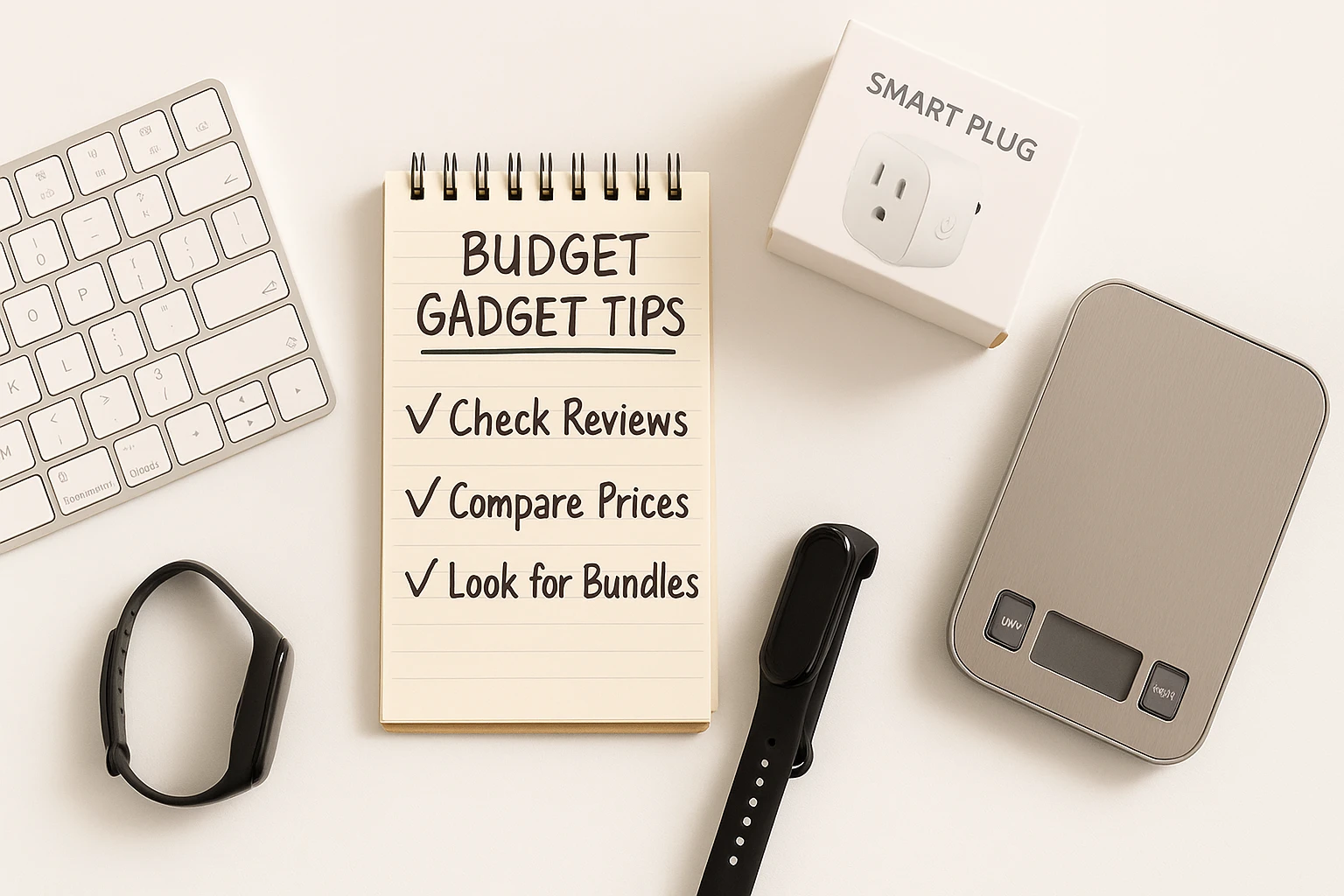
Cheap electronics deals are useful only after the product fits your needs. Then compare condition, seller terms, recent price history, older models, bundles, and the exact checkout price instead of chasing the biggest discount badge.
Refurbished vs Open-Box vs New
| Option | Potential Advantage | Main Risk | Buy When |
|---|---|---|---|
| Refurbished | Potentially lower price with a defined restoration or testing program | Testing, cosmetics, accessories, warranty, and stock vary by program | The refurbisher clearly states condition, testing, warranty, and return terms |
| Open-Box | Potential discount on a returned or display item | Condition and included accessories can vary | The retailer grades the item clearly and gives you a practical return window |
| New | Usually the clearest condition and manufacturer-support path | Often costs more than refurb or open-box | Condition certainty, battery history, or manufacturer support matters more than the discount |
Programs are not interchangeable. Apple Certified Refurbished includes full functional testing and a one-year warranty, while Best Buy Outlet separately defines inspected open-box items and repaired, restored refurbished stock. Check the exact seller, condition notes, returns, and warranty before treating a refurb or open-box listing as equivalent to new.
Where to Look for a Real Discount
- Certified refurb: Start with manufacturer-certified refurb stores and major retailer refurb programs when their testing, return, and warranty terms are clear.
- Open-box: Retailer outlet and clearance sections can be useful when the grade, included accessories, and return terms are explicit.
- Sale events: Use major sale periods as comparison points for products you already know fit your needs; do not let the event choose the product for you.
- Price alerts: Keep a short watchlist and compare recent pricing before checkout. CamelCamelCamel can help with Amazon price history.
- Older models and bundles: Compare last-generation hardware when support and compatibility still fit, and add up bundle items separately so you do not pay for extras you would not buy on their own.
For broader planning tools, see our free financial tools.
How to Judge a Tech Deal
A useful deal is relative to the exact model, condition, included accessories, warranty and return terms, and recent price history. Fixed dollar thresholds age quickly, so use the checks below before treating a sale badge as proof of value.
| Category | Compare First | Good-Deal Signal | Watch For |
|---|---|---|---|
| Smart Plugs | Per-plug cost, amperage, app support | A useful multi-pack lowers the per-device cost without adding a hub you do not need | Bulky housings, weak app support, missing energy-monitoring features you expected |
| Smart Bulbs | Per-bulb cost, brightness, base, ecosystem | The pack matches the fixtures and platform you already use | Buying extra bulbs solely to unlock a bundle price |
| Smart Speakers | Standalone price versus bundle contents | You actually need the bundled extra and the speaker fits your ecosystem | Paying for an old bundle whose extras or software support no longer help |
| Keyboard/Mouse | Layout, noise, receiver/Bluetooth, condition | The set includes every receiver or accessory you need | Missing dongles, worn keys, or a layout you will fight every day |
| USB-C Hub | Port mix, video limits, power passthrough | You are paying for ports and capabilities your laptop can actually use | Shared-bandwidth limits, unsupported display modes, vague power-delivery claims |
| Earbuds | Fit, microphones/ANC, battery, return terms | The feature set fits your use and the seller gives you a practical way to return a poor fit | Battery wear on used units or paying extra for features you will leave off |
| Power Banks | Capacity, output, size, battery condition | The output matches the devices you need to charge and the size is realistic for how you carry it | Unknown battery history, weak safety documentation, or capacity you will not use |
Major sale events can be useful comparison points, but recent price history and the exact listing matter more than the event label.
If the gadget fits your setup but you’re not sure it fits your month, zoom out before you buy.
Get the 30-Minute Money Reset
Confirm to get the workbook and frugal money tips. Unsubscribe anytime.
Something went wrong. Please check your email address and try again.
More Budget Tech Gadgets Worth Considering
Affordable tech gadgets earn a place here only when they solve a specific gap in your setup; they are not automatic add-ons to the core picks.
- Budget webcam: For video calls, compare the resolution, field of view, mounting options, and microphone quality your actual meeting setup needs.
- USB flash drive: Compare capacity, connector type, advertised transfer speed, and casing instead of buying on capacity alone.
- Wired in-ear monitors: A useful low-latency or backup audio option when fit, cable quality, and isolation matter more than wireless convenience.
- Basic fitness tracker: Compare the few metrics you will use, app compatibility, comfort, and charging frequency before paying for extra smartwatch features.
Make Your Budget Tech Last Longer and Spend Less
- Store Batteries Well: Follow the device maker’s storage and charging guidance, avoid prolonged heat, and keep power banks cool and dry. If a pack sits unused for months, follow the manufacturer’s maintenance-charging instructions.
- Update Firmware: Security and stability patches matter, even for plugs and bulbs.
- Match Cables and Chargers: Use cables and power adapters that meet the device maker’s stated charging requirements.
- Keep Ports Clear: Follow the device maker’s cleaning instructions and avoid forcing tools into connectors.
- Use Cases & Sleeves: Simple protection can reduce scratches and impact damage during daily carry. See our minimalist tool kit for protective basics.
Where the savings actually come from
There are only a few real savings mechanisms: reduce unnecessary device runtime, avoid buying duplicate gear, or help an accessory last longer through better protection and care. A power bank mostly buys convenience and backup runtime, not automatic long-term savings. If a gadget does not clearly do one of those jobs, treat it as a convenience purchase and budget for it that way.
If you are buying smart plugs mainly to reduce electricity waste, a plug-in meter can show whether a device’s standby or running draw is worth targeting. The P3 Kill A Watt P4400 reports volts, amps, watts, Hz, and kWh. Skip it if you only want convenience automation or you already have useful device-level energy data.
If you want to turn small purchase decisions into a broader monthly plan, see how to save $500 a month.
Frugal Tech FAQ
They can be. Check the exact model, recent buyer feedback, return terms, and warranty instead of assuming every budget product has the same support. If you are unsure about a brand or app ecosystem, start with one low-risk item before buying a larger set.
Sometimes. A strong refurb listing clearly states who tested or restored the item, its condition grade, what is included, the return window, and the warranty. Inspect it promptly after delivery and use the seller’s return process if anything does not match the listing.
Start with a device that removes a repeated annoyance: a smart plug for a routine you automate often, earbuds for daily listening, a USB-C hub for missing laptop ports, or a power bank for regular time away from outlets. The best budget pick is the one you will actually use.
Keep devices that solve recurring jobs, reuse compatible chargers and cables where practical, and avoid buying a second gadget for a task your current gear already handles. If an item is rarely used, borrow it when practical instead of adding permanent clutter.
Compare recent price history, check refurb and open-box options, and compare older models when they still meet your compatibility and support needs. During major sale periods, verify that the event price is actually lower than the product’s recent norm.
Build a Smarter Budget-Tech Setup
Start with one friction point, not a shopping list. Pick the category that solves it, compare the exact model and condition, then check price history, returns, and warranty terms before you buy. If you cannot name the job the gadget will do next week, skip the deal. A small setup you use every day is more frugal than a drawer full of discounted gadgets.
Product features, seller terms, prices, and availability can change. Check the current listing, return policy, warranty, and device safety guidance before buying. Any energy savings depend on what you automate, how you use it, and your local electricity costs.

