
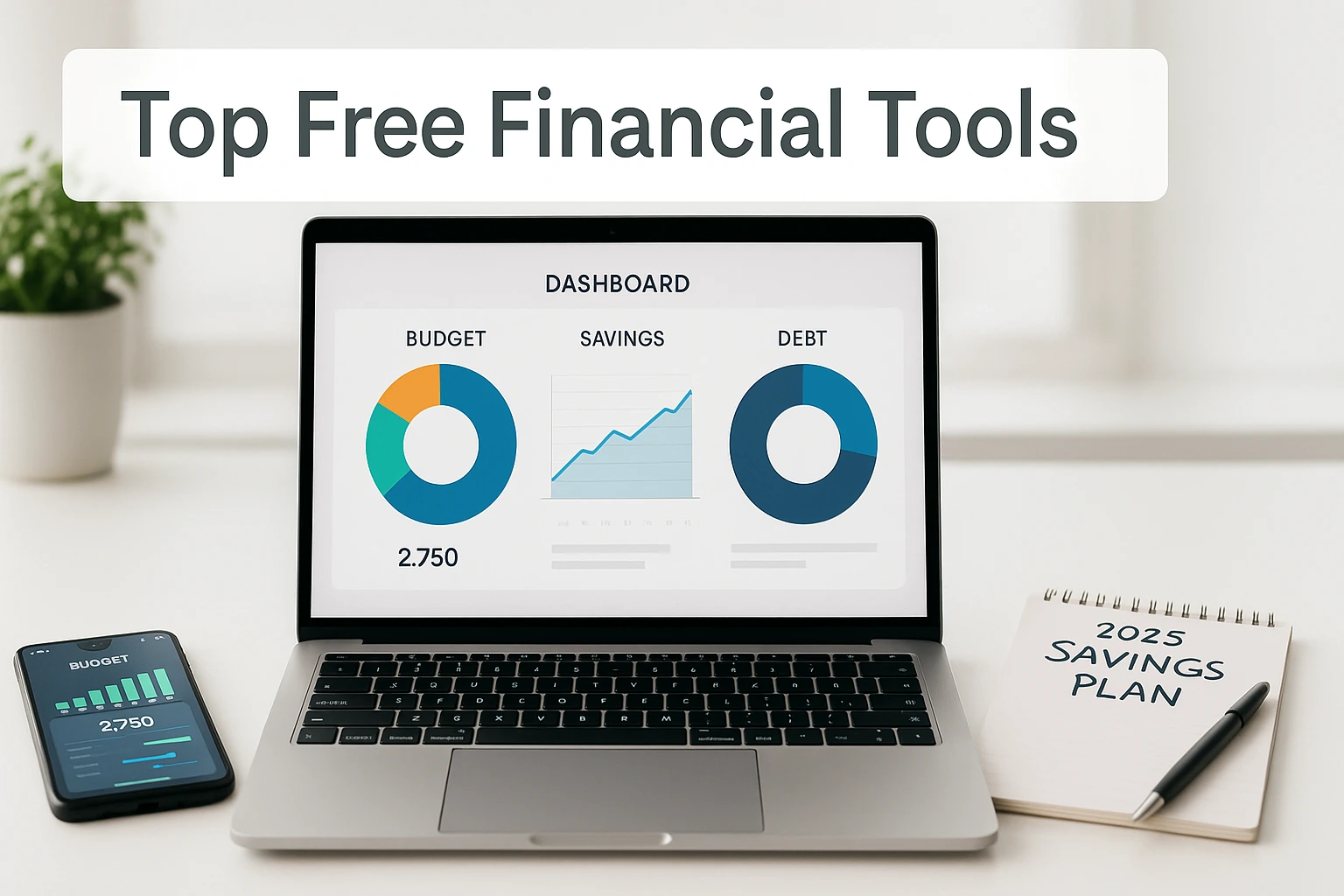
When money feels scattered, start with the job—not the app. Do you need to see spending, calculate a savings target, track net worth, or decide which debt to pay first? The free financial tools here each solve one of those jobs. For this guide, “free” means there is a usable no-cost route for the job described, not merely a limited-time trial; some apps still sell optional upgrades.
Below are nine apps, spreadsheets, and calculators, plus a two-question finder to narrow the list quickly. For a broader system you can follow step by step, see our full guide to living frugally and saving money.
9 free tools at a glance: These are grouped by use, not ranked best-to-worst.
- Credit Karma — low-upkeep cash-flow and net-worth tracking.
- EveryDollar (Free) — manual zero-based budgeting.
- Empower Personal Dashboard — automated big-picture tracking.
- Goodbudget — visual envelope budgeting with a limited free tier.
- Google Sheets templates — customizable manual trackers.
- Savings Goal calculator — monthly target math in seconds.
- Undebt.it — compare snowball and avalanche payoff plans.
- Debt Snowball spreadsheet — smallest-balance-first planning.
- Debt Avalanche spreadsheet — highest-interest-first planning.
This post contains affiliate links. If you buy through our links, we may earn a commission at no extra cost to you. As an Amazon Associate I earn from qualifying purchases. Learn more.
Table of Contents
- How to Choose a Free Financial Tool
- Best Free Budgeting Apps
- Spreadsheets vs. Apps (Free Options)
- Savings Trackers
- Net Worth Calculators
- Debt Payoff Plans (Free Options)
- Make Your Free Tool Stick
- Frequently Asked Questions
Find Your Best Free Financial Tool
Not sure which of the nine fits? Pick your main money goal, then choose the approach that sounds easiest to stick with. Your match will jump you to the most relevant tool in this guide.
How to Choose a Free Financial Tool
Start with the decision you need to make, then choose the lightest tool that can answer it. A spending tracker helps you see cash flow; a spreadsheet gives you control over the math; a calculator turns a goal into a number; and a debt planner helps compare payoff order.
- Define one job: Budget spending, set a savings target, track net worth, or plan debt payoff before you pick a tool.
- Check what “free” means: The options in this guide have a usable no-cost route for the job described. Some apps sell optional upgrades; a limited-time trial alone does not count here.
- Choose your data boundary: Use a manual spreadsheet or calculator when you do not want to link accounts; use account-connected tools only when the convenience is worth the permissions.
- Match the upkeep: A tool you can review in a few minutes is usually more useful than a feature-heavy setup you avoid.
- Keep one source of truth: Do not maintain multiple trackers that answer the same question unless each has a distinct job.
If you link financial accounts, use a strong unique password, turn on multi-factor authentication when available, review app permissions, and disconnect services you no longer use.
FTC: Protect your accounts and personal information
New to all this? Start with our beginner’s guide on how to start living frugally.
Educational only. Apps, limits, and pricing change; review official sites and consider professional advice for your situation.
Before adding another app, you can map your income, spending, debts, and goals in one place so you can see which part of your money system actually needs a tool.
See Your Money on One Screen Before You Pick a Tool
Confirm to get the workbook and frugal money tips. Unsubscribe anytime.
Something went wrong. Please check your email address and try again.
Best Free Budgeting Apps
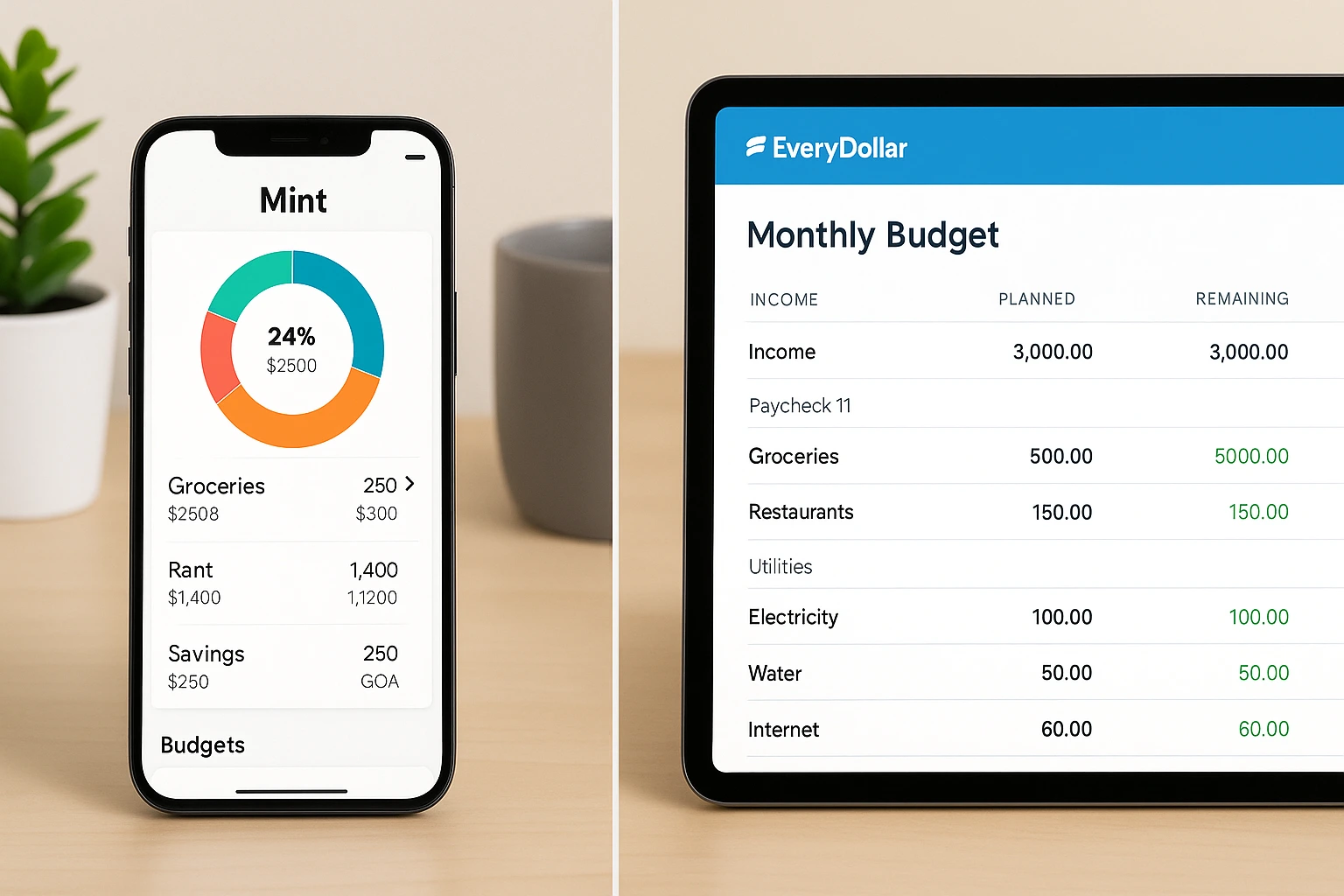
Free budgeting tools tend to fall into three useful styles: broad account snapshots, hands-on zero-based planning, and envelope budgeting. Pick the style you are most likely to review consistently; switching tools every week is less useful than maintaining a simple system.
Quick Picks by Budgeting Style
If you want a fast starting point:
- Credit Karma — a low-upkeep cash-flow and net-worth snapshot.
- EveryDollar (Free) — manual zero-based budgeting with direct control over categories and transactions.
- Goodbudget — visual envelope budgeting with a limited free tier.
Prefer spreadsheets? Grab our zero-based budgeting spreadsheet and customize it in minutes.
Credit Karma (post-Mint)
What It Offers: Free credit monitoring plus cash-flow and net-worth tracking. It can work well for former Mint users who want a broad financial snapshot, though it is lighter on detailed budget controls.
- Platform: iOS, Android, Web
- Best For: Ex-Mint users who want free tracking and credit features.
EveryDollar (Free Version)
Key Features: Zero-based budgeting where every dollar gets a job. The free version supports manual transaction tracking; automatic bank imports require Premium.
- Platform: Web; iOS and Android apps are officially offered in the U.S.
- Best For: Hands-on budgeters who like full control.
Empower Personal Dashboard (formerly Personal Capital)
Key Features: Tracks spending, net worth, and investments with a robust free dashboard.
- Platform: iOS, Android, Web
- Best For: Big-picture planners with multiple accounts.
Goodbudget
What It Offers: Digital envelopes to split income into categories. The current free tier includes 10 regular envelopes, 10 Annual/Goal envelopes, one account, two devices, and one year of history; automatic bank sync is a Premium feature.
- Platform: Web, Android, iPhone
- Best For: Visual budgeters and couples.
Useful for shared envelope budgeting, but the free account and device limits can feel tight for larger households.
Spreadsheets vs. Apps (Free Options)
Choose the format based on the job you want it to do. A spreadsheet gives you transparent calculations and flexible categories; an app can reduce manual work or make account views easier on a phone. Free tiers vary, so compare the workflow rather than assuming every app includes bank sync.
| Decision | Spreadsheet (for example, Google Sheets) | Budgeting app |
|---|---|---|
| Setup and upkeep | More manual; you control formulas and categories | Usually guided; ongoing upkeep varies by app |
| Automation | Mostly manual unless you build formulas or imports | Varies; free tiers may limit automatic bank sync |
| Customization | High | Varies by app |
| Best for | Custom plans and transparent calculations | Quick account views and phone-first updates |
| Cost | Google Sheets can be used with a Google Account | Some have useful free tiers; others are trial or paid only |
| Data and privacy | You control what you enter; cloud-account security still matters | Linked-account tools require careful permission and account-security choices |
Choose a spreadsheet when you want custom categories, transparent math, or a plan that does not require linking financial accounts.
Choose an app when quick account views or on-the-go updates matter more; check what the free tier actually includes before connecting accounts.
Savings Trackers
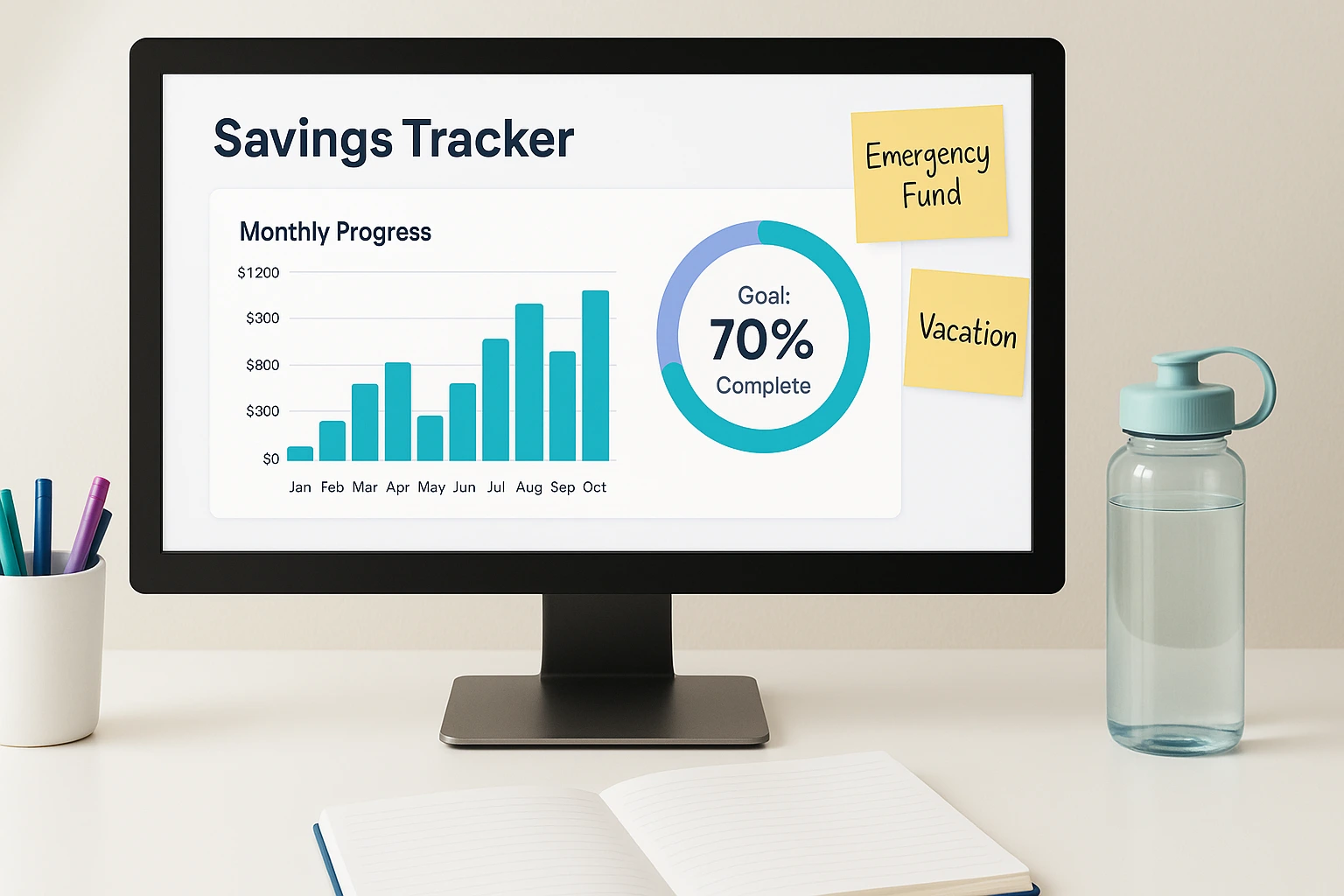
Watching savings move toward a target can make the goal easier to manage. Use a spreadsheet when you want an ongoing progress view, and use a calculator when you only need the monthly amount required to reach a target.
Google Sheets Templates
Key Features: Build custom trackers with charts to monitor goals.
- Platform: Web
- Best For: Customizable tracking.
Set milestones and use charts to stay on target.
Want a ready-made starting point? Compare our free Excel budget spreadsheet templates.
Savings Goal Calculator
Key Features: Calculates how much you need to contribute each month to reach a specific savings goal.
- Platform: Web
- Best For: Fast monthly-target planning.
Use it for the target math, then track actual contributions in a spreadsheet or budgeting tool.
Investor.gov Savings Goal Calculator
Net Worth Calculators
Net worth is assets minus liabilities. It is a useful snapshot of what you own versus what you owe, but it is not a complete measure of financial health. Choose manual tracking for an ongoing record or a calculator for a quick point-in-time check.
Spreadsheet Template (Excel/Sheets)
Key Features: Track assets and liabilities manually for updates.
- Platform: Web / Desktop
- Best For: Custom tracking.
Flexible but requires manual upkeep.
Online Net Worth Calculator
Key Features: A quick web-based estimate from your assets and liabilities.
- Platform: Web
- Best For: One-off calculations.
Empower offers a free net-worth calculator for a point-in-time check. Use a spreadsheet or dashboard instead if you want an ongoing history.

Debt Payoff Plans (Free Options)
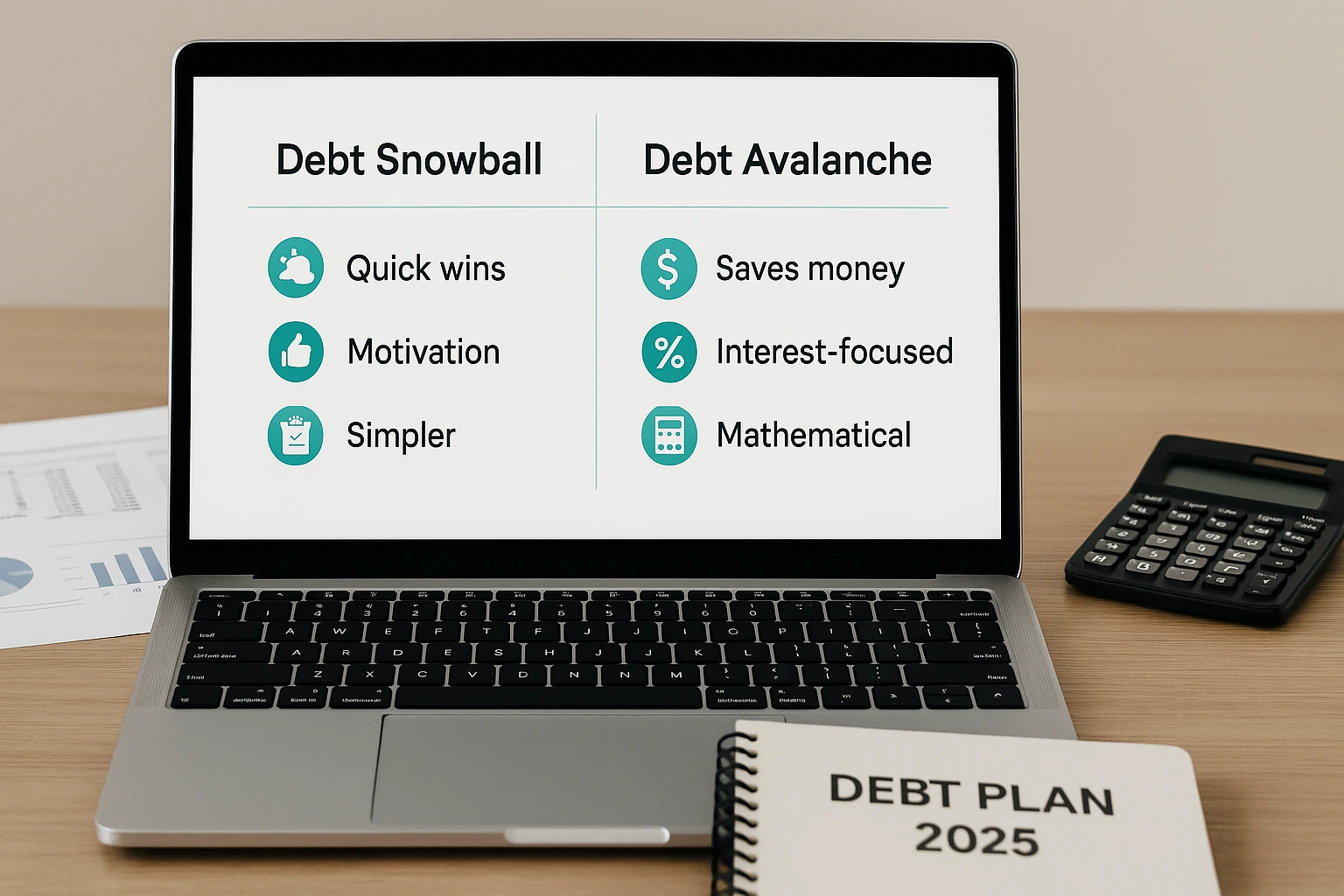
If you have several balances, the main planning decision is payoff order. Snowball prioritizes the smallest balances; avalanche prioritizes the highest interest rates. Use Undebt.it or compare the debt snowball vs. avalanche when you want to see which trade-off fits you better.
Undebt.it
Key Features: Free debt-payoff planning with snowball, avalanche, and other payoff methods; its public snowball/avalanche calculator can be used without an account.
- Platform: Web
- Best For: All-in-one debt planning.
Highly flexible for personalized strategies; manual data entry required.
Debt Snowball Spreadsheet
Key Features: Pay smallest balances first for quick wins and motivation.
- Platform: Web (Google Sheets, Excel)
- Best For: Motivation seekers.
Great momentum; may cost more in interest overall.
Debt Avalanche Spreadsheet
Key Features: Target the highest interest rates first so interest cost drives the payoff order.
- Platform: Web (Google Sheets, Excel)
- Best For: Prioritizing interest savings.
This method can save money over time by eliminating the costliest debt first, but progress may feel slower when that balance is large.
Prefer a printable? Download our free debt payoff tracker.
Snowball vs. avalanche: Snowball prioritizes early balance wins; avalanche prioritizes interest cost. Choose the method you can sustain, and keep required minimum payments current on every debt.
| Decision | Debt Snowball | Debt Avalanche |
|---|---|---|
| Prioritization | Smallest balance first | Highest interest rate first |
| Early progress | May show progress quickly, especially with small balances | May feel slower if the highest-rate debt is large |
| Interest focus | Secondary to balance size | Primary |
| Potential interest cost | May be higher because rate is not the first priority | Targets the costliest debt first and can save money over time |
| Best for | Readers motivated by visible account closures | Readers prioritizing interest savings |
Make Your Free Tool Stick
A free tool only helps if it survives normal life. Keep the routine small enough to repeat:
- Mark milestones: Record completed goals or paid-off balances so progress stays visible.
- Use accountability: Share a goal with a partner or trusted friend when that helps you follow through.
- Budget rewards: If a small reward motivates you, plan for it instead of creating a new spending surprise.
- Reset quickly: Missed reviews happen; update the numbers and restart the routine.
Prefer Pen and Paper Over Another App?
If screens are what make you abandon a budget, you may prefer a planner you can leave visible and review. The Clever Fox Budget Planner is undated and includes bill, savings/debt, and expense-planning sections. Skip it if one of the free tools above already works for you.
Build routines that last with these budgeting habits that stick. If you want a deeper roundup of paid options once you’ve outgrown the free tier, our guide to great budgeting tools compares the next step up.
Frequently Asked Questions
Choose One Tool and Start
Choose one money job. If spending is the problem, start with a budget; if you need a savings target, use the calculator; if payoff order is the question, compare snowball and avalanche. If you are still undecided, use the finder above. Set up one tool, enter only the information it needs, and schedule the next review. Add a second tool only when it solves a different job.
This content is for informational purposes only and not financial advice. Consult a professional before making financial decisions.

