
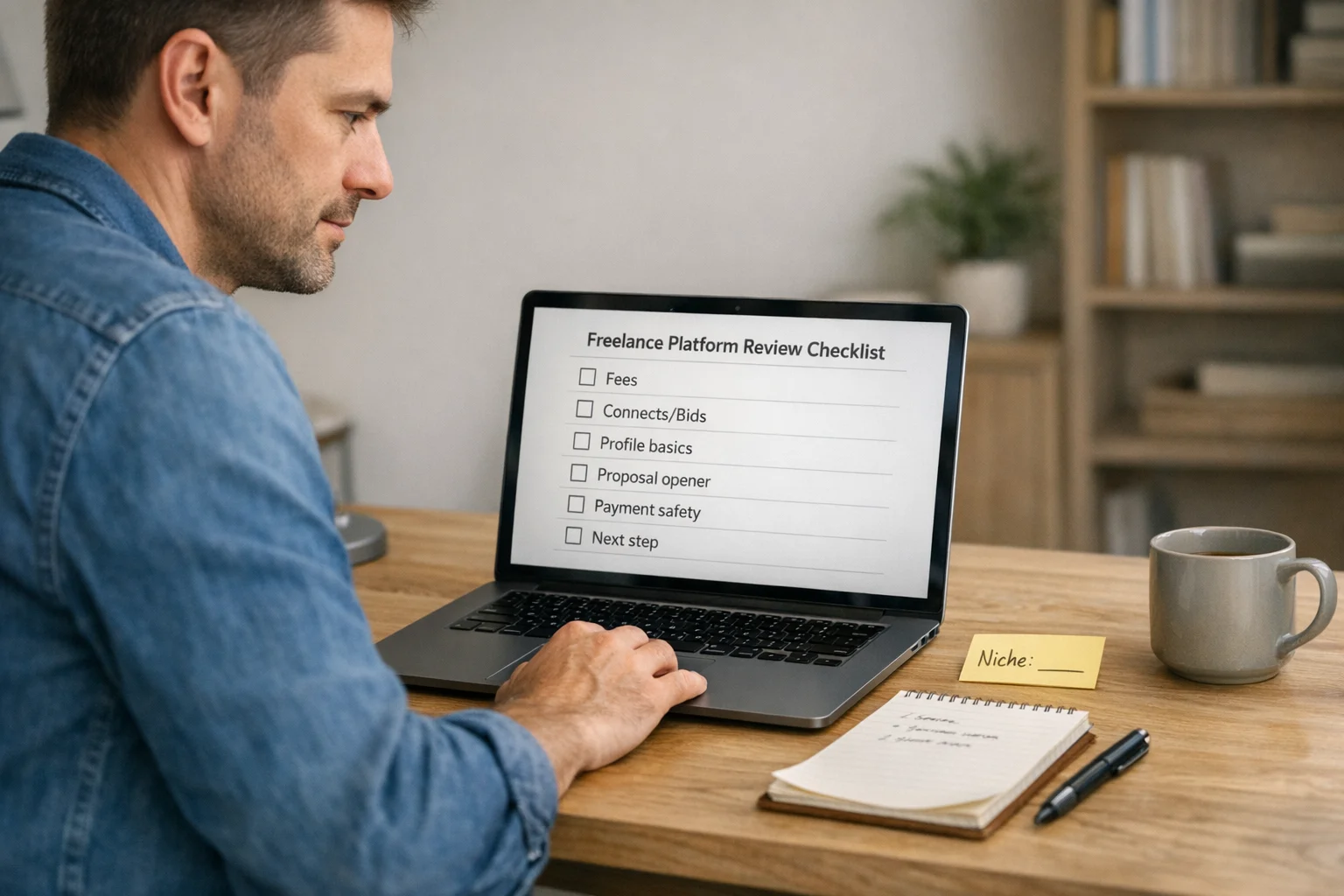
This Upwork review is for freelancers deciding whether the platform deserves a small, controlled test. Upwork can cost both time and Connects—the tokens used to submit proposals—before you know whether your pitch works. A better test is whether a targeted batch of proposals makes sense for your service, samples, and budget. Below, you’ll compare fees and Connects, payment protection and safety, proposal strategy, and a beginner workflow for testing the platform without overspending. If you want the bigger roadmap beyond freelance platforms, start with our increase your income guide.
Use the guide to answer one question at a time: does your offer get enough replies to justify another round of proposals?
This post contains affiliate links. If you buy through our links, we may earn a commission at no extra cost to you. Learn more.
Table of Contents
- What Is Upwork and How Does It Work?
- Is Upwork Worth It? The Short Answer
- Setting Up Your Upwork Profile
- Fees, Connects, and the Real Cost
- Proposals That Get Replies
- Interactive: Your Upwork Starting Strategy
- Payments, Disputes, and Staying Safe
- Vetting Job Posts: Red Flags (and Green Flags)
- How to Start Freelancing on Upwork: Landing Your First Gigs
- Turning One-Off Gigs into Long-Term Clients
- Free 30-Minute Money Reset
- Comparing Upwork to Other Platforms
- How to Stay Current as Upwork Changes
- Frequently Asked Questions
- Should You Try Upwork?
What Is Upwork and How Does It Work?
Upwork is a marketplace where clients post projects and freelancers submit proposals. If a client hires you, the work runs through an Upwork contract, with hourly or fixed-price payment paths. The appeal is that you can look for clients, manage the work through the platform, and build a track record without relying only on cold outreach.
That convenience does not remove the sales step: before a contract exists, you still have to make the fit clear. A narrow service and relevant samples make it easier for a client to understand what you can deliver.
If you’re still comparing freelancing paths, these easy side hustles can help you sanity-check what’s fastest for your schedule.
Is Upwork Worth It? The Short Answer
- Best fit: Upwork can be worth testing when you have one clear service, a relevant sample, and a plan to personalize proposals instead of sending templates.
- Weaker fit: It is a weaker match if you need guaranteed work quickly or strongly dislike proposal-based selling.
- Costs matter: Service fees and Connects reduce your margin, so decide what you can spend before you set your rates or start applying.
- Protection is conditional: Hourly and fixed-price contracts each have rules you need to follow for payment protection.
- Repeat work matters: A good ongoing client can reduce how often you need to return to the proposal queue.
Treat your first small batch of close-fit proposals as feedback on your offer, samples, targeting, and opener—not as a reason to send more of the same.
Setting Up Your Upwork Profile
Your profile is your storefront. When a client clicks, they’re asking: “Can this person solve my problem without drama?” So skip vague skill lists and make the work you do—and who it is for—easy to understand.
- Headline: Name a specific service (“Email copy for SaaS welcome sequences” beats “Copywriter”).
- Overview: Use the opening lines to say who you help and what you deliver.
- Portfolio: Lead with a few samples that closely match the work you plan to pitch.
Before you apply, rewrite your opening profile lines so they name one specific deliverable and the kind of client who needs it.
Fees, Connects, and the Real Cost
Upwork fees are where beginners can get blindsided. The freelancer service fee can vary by contract, and Upwork documents that it ranges from 0% to 15%. You’ll see the fee before you accept the offer, so you can price with eyes open. For the current rules, use the official explainer: Learn about the Freelancer Service Fee.
Connects are also part of the math. Upwork currently prices purchased Connects at $0.15 each, while the number required to submit a proposal varies by job and can change while the post is live. Connects are returned in specific cases—for example, if the client cancels before a contract is made or Upwork removes the post for a policy violation—and returned Connects go back to your balance for reuse rather than as cash. See the current details: Understanding and using Connects.
If you want a quick way to track fees, Connect spend, and your true hourly rate, this roundup of free financial tools makes the math easier.
Micro-action: Set a weekly Connect budget before you browse, then pause and reassess your targeting when you hit it.
Proposals That Get Replies
It’s 2 a.m., you’re staring at a job post, and you’re tempted to paste the same pitch you always use. Don’t. Make the fit obvious early: your opener should show that you read the post, understand the goal, and have a plausible first step.
Use this simple structure:
- Line 1: Reflect their goal (“You want X without Y.”)
- Line 2: Your plan in one sentence (“I’d do A → B → C.”)
- Line 3: Proof (“Here’s a relevant sample.”)
- Close: One easy question (“Is your deadline flexible?”)

2 quick openers you can copy (and personalize):
- “I saw you need [deliverable] that feels [tone]. I’d start by [step 1], then [step 2], and send a draft by [a realistic day/time].”
- “One thing I’d watch for is [common pitfall]. I’ll handle it by [method], and I’ll share [proof/sample] before we lock scope.”
Micro-action: Write three opener patterns—not canned sentences—and practice tailoring the opening lines to a real job post.
If you want to turn those proposal pieces into a practical first-week plan, use the finder below.
Upwork Starting Strategy Finder
Answer four quick questions. You’ll get a starting target, a contract-style suggestion, a niche-specific two-line opener, and one scope rule to use before you send a proposal.
Complete 4 choices to build your plan
Start with your experience, then work down the four short questions.
Test your plan on real Upwork listings
Use the target and scope rule above to shortlist a few close-fit posts before you spend more Connects.
Payments, Disputes, and Staying Safe
Early on, safety matters more than squeezing every dollar of margin. Upwork payment protection can apply to both hourly and fixed-price contracts, but each path has different requirements. The safer choice is the contract structure that matches the work—and whose protection rules you can actually follow. Review Upwork’s current payment-protection rules.
- Hourly: Use Upwork’s Time Tracker for qualifying time and keep useful work-memo notes. Manual time and bonuses are not covered by Hourly Payment Protection.
- Fixed-price: Start only work covered by a funded milestone, keep the milestone scope accurate, and submit through Upwork’s Submit Work for Payment flow.
Before a contract starts, Upwork requires most pre-contract communication to stay on the platform, with limited exceptions. Requests to move the conversation off-platform early—or to handle payment by check, crypto, or another outside method—are a reason to stop and verify what’s happening. Check the current pre-contract communication rules.
Micro-action: Before you accept a contract, confirm the payment type, the funded scope or weekly limit, and where project communication will happen.
Vetting Job Posts: Red Flags (and Green Flags)
You don’t need perfect clients; you need enough evidence that the client understands the work and is using the platform normally. If the post is vague, the budget is unrealistic, or they push you to move pre-contract communication off Upwork, slow down and verify the situation.
- Red flags: unrealistic budget, unclear deliverables, urgent demands without pay, requests for free work, or attempts to move pre-contract communication or payment off-platform.
- Green flags: clear scope, reasonable timeline, normal communication, history of paying freelancers.
Micro-action: Make a short must-pass checklist and skip any job that fails a non-negotiable safety or scope check.
How to Start Freelancing on Upwork: Landing Your First Gigs
The first win can be hard because you’re building trust from zero. A lower-risk way to start is to target small, specific projects where a clear deliverable and relevant sample matter more than a giant portfolio.
- Start with a tight deliverable (audit, landing page refresh, 2 blog posts).
- Apply to posts where you can reference something concrete they wrote.
- Confirm the deliverable, timeline, and handoff in writing before you start.
Micro-action: Choose a small batch of well-matched jobs and personalize each proposal instead of chasing a quota.
Turning One-Off Gigs into Long-Term Clients
This is where Upwork can start feeling less like a proposal treadmill. Repeat clients can mean fewer pitches and more predictable work. The trick is to finish one project well, then suggest the next logical step only when it genuinely follows from what you delivered.
Example: “If you’d like me to continue, the next logical step is [add-on]. I can scope it as a separate milestone.”
After delivery, suggest one optional next step that directly follows from the work you just completed.
If the point of freelancing is to improve your monthly finances, put the extra income next to your spending, debts, and goals before you decide how much work you actually need.
Put Freelance Income Beside the Rest of Your Money
Map income, spending, up to 8 debts, and up to 8 goals on one screen; the SNAPSHOT sheet totals them automatically.
Confirm to get the workbook and frugal money tips. Unsubscribe anytime.
Something went wrong. Please check your email address and try again.
Comparing Upwork to Other Platforms
Upwork is one path—not the only one. If you’re comparing Upwork alternatives, focus on how each platform asks you to find and sell work: Fiverr centers packaged services sold as Gigs, Freelancer.com offers posted projects and contests, and Toptal uses a more selective screening model. Direct outreach is another path once you have proof and a clear offer.
If freelancing isn’t the right lever right now, learning how to ask for a raise can sometimes beat weeks of pitching—especially if you’re already performing well at work.
Best freelance websites at a glance
| Platform | Best for | Trade-off |
|---|---|---|
| Upwork | Broad project marketplace + payment protection | Proposal Connects + competition |
| Fiverr | Packaged services sold as Gigs | You compete through a storefront/catalog model |
| Freelancer.com | Posted projects + contests | Bidding and contest competition |
| Toptal | Screened specialist network | Multi-step screening |
Pick one backup channel—another platform or direct outreach—and define one small repeatable action for it.
How to Stay Current as Upwork Changes
Upwork keeps changing features, matching, and hiring workflows, so treat screenshots and platform tactics as temporary. If you want the “what changed” view, Upwork publishes a running list here: Upwork product release notes.
The practical takeaway: don’t build your whole business on one platform. If Upwork fits, use it to build paid experience and proof, then diversify gradually so one platform change does not control your entire pipeline.
If freelancing is part of a larger long-term savings plan, this financial independence & retiring early guide can help you connect extra income to longer-term goals.
When Upwork changes something relevant to your workflow, test it deliberately—and keep building at least one way to find clients outside the platform.
Frequently Asked Questions
Should You Try Upwork?
Upwork is worth testing if you have one specific service, at least one relevant sample, and a Connect budget you can afford while you learn. Treat it as a measured sales channel, not a verdict on your freelance potential: send a small batch of close-fit proposals, follow the payment and communication rules, and look for enough replies to justify another round. If the test produces no replies, change one variable—your offer, sample, opener, targeting, or channel—before simply buying more Connects.
Check whether the listings justify a test
Use what you now know about fees, scope, and safety to judge whether there are enough close-fit projects to spend Connects on. If not, keep your budget and test another channel.
Browse projects for your niche
This upwork review guide is general education, not personalized financial, legal, or career advice. Your results will vary based on niche, experience, and market conditions. If you’re unsure about taxes, contracts, or business decisions, consider talking with a qualified professional.

