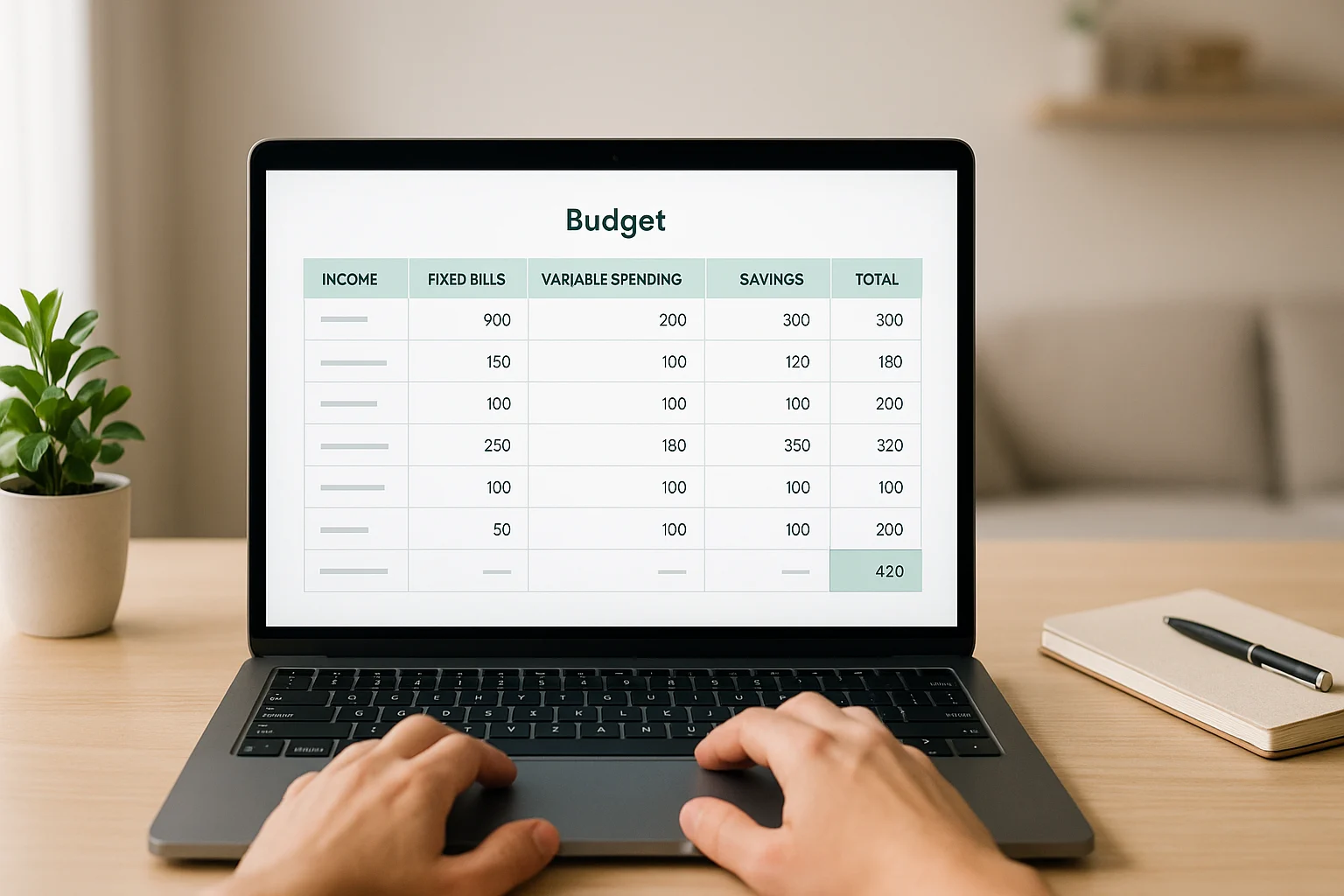
The best marriage and finance software is not the one with the longest feature list. It is the one you will both actually use—one that fits how much you want to share, how hands-on you want budgeting to feel, and whether you need simple spending guardrails or a full household dashboard.
Whether you fully combine finances, keep separate accounts, or use a “yours, mine, and ours” setup, a shared budgeting app can give you one agreed place to track spending, goals, and bills. If the bigger challenge is the household habits behind the app, our how to live frugally and save money guide covers that foundation first.
Table of Contents
Find Your Best-Fit Couples Money App
Quick Comparison: 5 Budgeting Apps for Couples
Use the table as a quick cross-check of the matcher above. For couples, the biggest differences are the sharing model, how much budgeting work the app expects, and what the current plan costs.
| App |
Best for |
How you share |
Current price |
| YNAB |
Hands-on planning |
Separate logins; share selected plans |
34-day trial; $14.99/month or $109/year |
| Honeydue |
Selective sharing and communication |
Each partner chooses what to share |
Free; optional monthly tip |
| PocketGuard |
Automated spending guardrails |
One shared profile on multiple devices |
7-day trial; $12.99/month or $74.99/year |
| Goodbudget |
Manual envelope budgeting |
One household budget synced across devices |
Free; Premium $10/month or $80/year |
| Monarch Money |
All-in-one household overview |
Separate logins; shared household view |
7-day trial; $14.99/month or $99.99/year |
App pricing and availability can change quickly, so double-check details on each provider’s site before you sign up.
Next, use the decision framework to pressure-test the match. The detailed reviews then explain why each app wins for a different kind of couple. If you want calculators and trackers beyond couples-focused apps, our top free financial tools roundup is the better next stop.
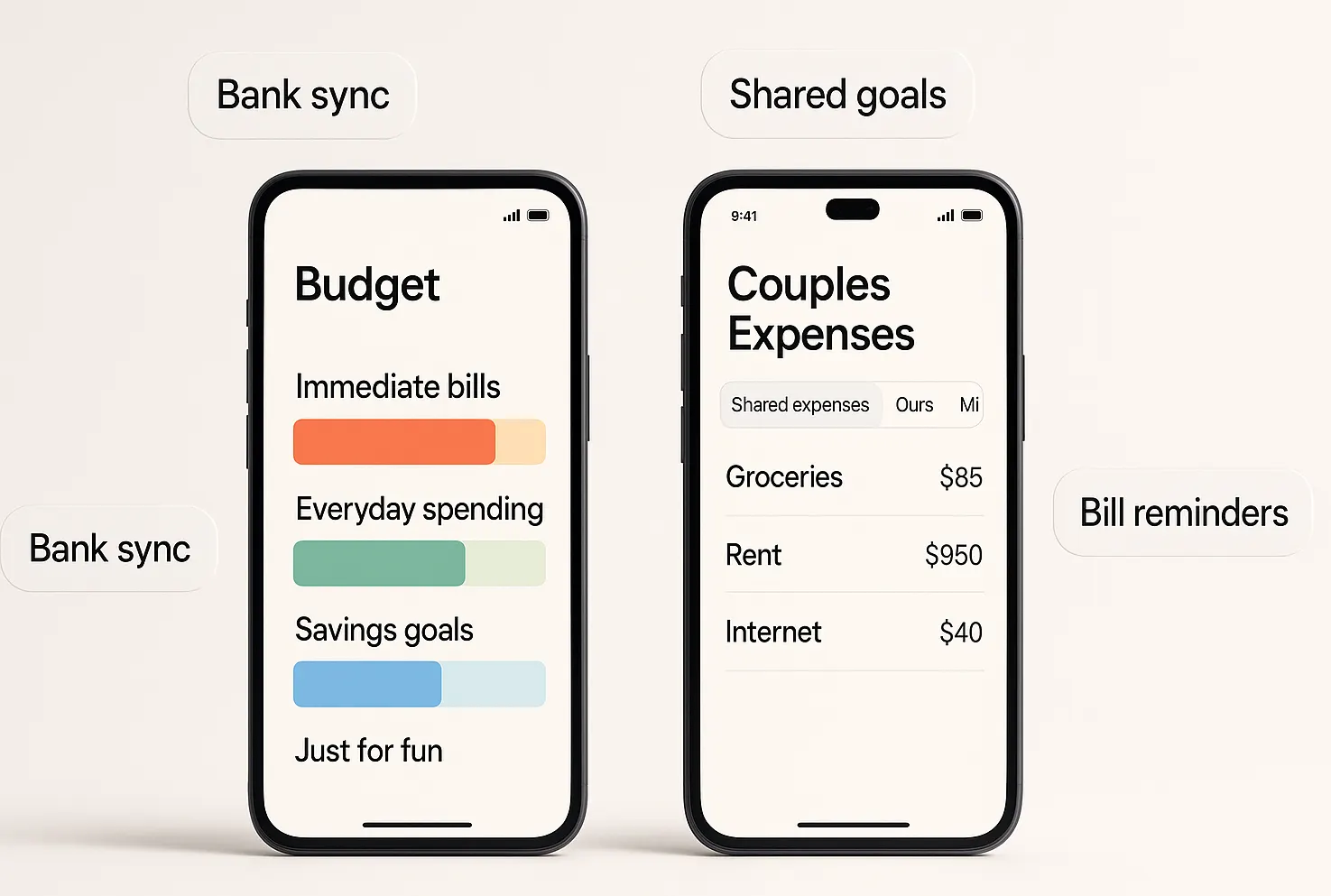
How to Choose the Right Marriage and Finance Software
Start with your actual couples budget planning setup rather than a brand name. The right app should answer five practical questions for both partners:
- How much do you want to share? Decide whether you want separate partner logins, one shared household profile, selective account sharing, or no bank connections.
- How hands-on should budgeting feel? Choose between active category planning, automated spending guidance, or a lighter shared-tracking routine.
- How complex is the household? Bills and everyday spending need less machinery than several accounts, debt goals, investments, or a full household net-worth view.
- What are you comfortable connecting? Confirm that the provider supports the institutions you use, review its current security and privacy information, and make sure there is a manual or file-based fallback if you prefer not to link an account.
- Will both partners keep using it? Device support, interface comfort, and subscription cost matter only if the routine is simple enough to maintain together.
Your current system can be a useful tiebreaker. Spreadsheet users may prefer a more structured planning tool, couples moving from a bank app may want more automation, and cash-envelope users may feel more at home with manual categories. If you still want part of the plan outside an app, our couples budgeting spreadsheets guide covers that route.
The reviews below use these same factors, so you can compare the matcher’s recommendation with the trade-offs that matter in your household.
The 5 Best Marriage and Finance Software Apps
YNAB (You Need A Budget)Best for Hands-On Budgeters
Pricing: $14.99/month or $109/year (includes 34-day free trial)
Platforms: iOS, Android, Web
Bank Connections: Direct import supports select U.S., Canadian, U.K., and EU banks; file-based import is available for other institutions.
Who It’s For: Couples who want to actively manage every dollar and appreciate the envelope budgeting methodology.
YNAB transforms the traditional envelope budgeting system into a digital powerhouse. Every dollar gets assigned a job before spending occurs, making it difficult to accidentally overspend shared money.
Key Strengths:
- Zero-based budgeting forces intentional money decisions.
- Excellent goal tracking with automatic calculations for timeline and monthly contributions.
- Debt-payoff planning tools include a loan planner for testing payoff scenarios (you can pair that planning with our debt snowball vs. avalanche guide).
- Educational resources support the budgeting method alongside the app.
- Cross-device synchronization keeps supported devices updated as the plan changes.
Couple-Specific Features:
- Separate YNAB Together logins can share one subscription and the spending plans the group manager chooses to share.
- Category-level notes help partners add context to spending decisions.
- Flexible income allocation works with uneven or changing paychecks.
- Age of Money provides another way to see how long money has been sitting before it is spent.
Tradeoffs: YNAB requires a significant time investment upfront and ongoing monthly reconciliation. Couples preferring automated budgeting may find the hands-on approach overwhelming. The learning curve is steep, though the educational support helps offset this challenge.
HoneydueBest for Relationship-Focused Money Management
Pricing: Free to download and use; optional monthly tips are available if you want to support the app.
Platforms: iOS, Android
Bank Connections: Supports more than 20,000 financial institutions across five countries.
Who It’s For: Couples wanting specialized relationship features with flexible privacy controls.
Honeydue was built specifically for couples, and it shows. The app understands that successful financial partnerships require communication, transparency, and respect for individual preferences.
Key Strengths:
- Transaction chat gives partners a place to discuss specific spending inside the app.
- Account-level privacy controls let each person choose how much information to share.
- Bill reminders help keep recurring obligations visible to both partners.
- Connected-account support covers more than 20,000 financial institutions across five countries.
Couple-Specific Features:
- Each partner can share balances and transactions, balances only, or nothing for a connected account.
- Transaction comments keep money conversations attached to the spending that prompted them.
- Bill reminders give couples a shared view of upcoming obligations.
- The app is built around two-person household money management rather than a generic solo budget.
Tradeoffs: Honeydue is more focused on shared spending, bills, and communication than on detailed investment analysis or long-range financial planning. Couples who want a deeper planning dashboard may need a more comprehensive tool.
PocketGuardBest for Automated Simplicity
Pricing: 7-day free trial, then $12.99/month or $74.99/year.
Platforms: iOS, Android, Web
Bank Connections: Supports connected financial accounts; institution coverage can vary.
Who It’s For: Couples who want straightforward spending limits without complex budgeting workflows.
PocketGuard answers one practical question: “How much can we safely spend right now?” Its current “Leftover” view estimates what remains after planned bills, budgets, goals, and other commitments.
Key Strengths:
- Leftover guidance summarizes what remains after planned bills, categories, goals, subscriptions, and debt payments.
- Recurring bill tracking keeps bills and subscriptions together with reminders before charges.
- Subscription monitoring helps surface recurring charges inside the broader budget.
- Savings goals support target dates and calculated monthly contribution plans.
- Budget alerts flag categories that are approaching or exceeding their limits.
Couple-Specific Features:
- Partners can use the same PocketGuard profile on different devices.
- The shared profile gives the household one Leftover amount, category budgets, and net-worth view.
- Hashtags and custom categories can help separate person-level spending inside the shared profile.
- There is no switch between separate personal and family views inside one profile.
Tradeoffs: PocketGuard’s couple setup is a shared-profile model rather than separate partner logins. That can be simple for a fully shared household, but couples who want individual logins or more granular partner-level visibility may prefer YNAB, Honeydue, or Monarch Money.
GoodbudgetBest for Privacy-Conscious Couples
Pricing: The free plan includes 10 regular envelopes, 10 annual/goal envelopes, one account, two mobile devices, and one year of history. Premium is $10/month or $80/year and adds unlimited envelopes and accounts, five mobile devices, seven years of history, and automatic bank sync for supported U.S. banks.
Platforms: iOS, Android, Web
Bank Connections: Automatic bank sync is a Premium feature for supported U.S. banks; manual entry remains available.
Who It’s For: Couples preferring manual transaction entry and maximum privacy control.
Goodbudget brings envelope budgeting to the digital age without requiring bank connections if you don’t want them. This approach appeals to couples concerned about data security or those who prefer hands-on money management.
Key Strengths:
- Manual control or bank sync depending on the plan you choose.
- True envelope budgeting with visual envelope management.
- Debt tracking with payoff planning tools.
- Household sharing syncs one budget across partner devices.
- Detailed reporting shows spending patterns and trends.
Couple-Specific Features:
- Shared envelope access across devices.
- Transaction entry from either partner.
- Envelope balances update across the shared household budget.
- Historical data for financial pattern analysis.
Tradeoffs: The free plan is a manual-first experience, so it asks both partners to stay consistent about entering transactions. Goodbudget is also less suited to couples who want a broad investment dashboard alongside everyday budgeting.
Monarch MoneyBest for an All-in-One Household View
Pricing: 7-day free trial, then $14.99/month or $99.99/year.
Platforms: iOS, Android, Web
Bank Connections: Supports connections to bank accounts, credit cards, loans, real estate, and investments through supported data providers.
Who It’s For: Couples who want budgets, goals, cash flow, and investments in one household dashboard with separate partner logins.
Intuit shut down Mint’s budgeting service in March 2024. Credit Karma now carries some connected-account, spending, and net-worth features, but it is a different product rather than a direct continuation of Mint’s full budgeting experience.
If You’re Coming From Mint:
- Mint is no longer available as a budgeting service.
- Credit Karma includes some account, spending, and net-worth features, but its workflow is different from Mint’s budgeting experience.
- Choose a replacement by the workflow you need now—not by how closely the interface resembles Mint.
Why Monarch Money Works Well as an All-in-One Alternative: Monarch Money pulls together budgets, goals, cash flow, and investments in one household. A partner can join with a separate login at no extra cost, but household members can see all accounts connected to that household.
Key Strengths:
- Household views so both partners can see the same big-picture dashboard.
- Goal tracking for things like travel, debt payoff, and home down payments.
- Flexible budgeting by category or groups instead of rigid envelopes.
- Ad-free experience keeps the household dashboard focused on your own accounts and plan.
Tradeoffs: Monarch is fully paid after the trial, so couples who need a completely free tool may prefer Honeydue or a spreadsheet-based system. Its household model also means every member can see all accounts connected to that household, which is a poor fit when partners want selective account-level sharing.
Make the App Work for Both of You
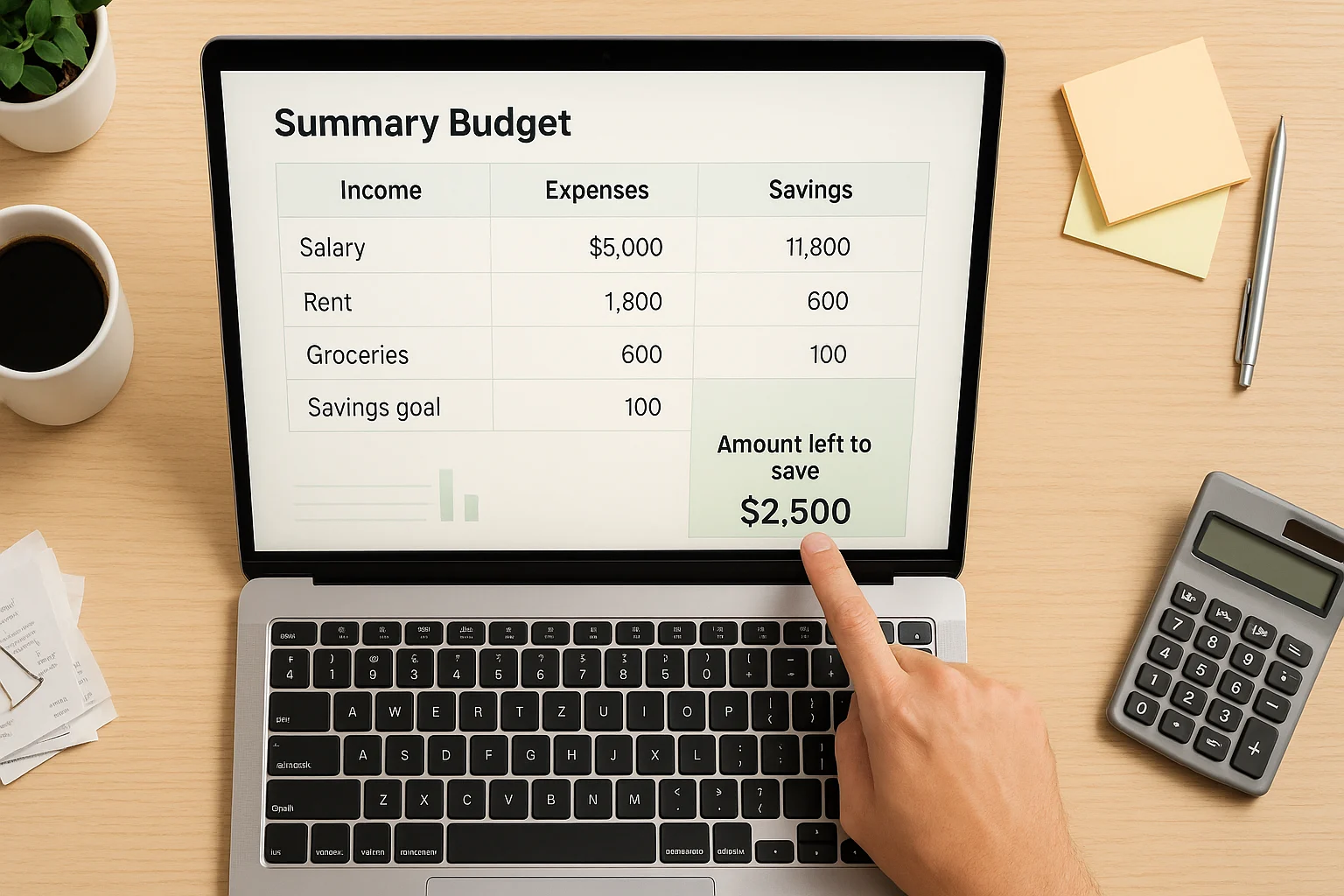
Choosing the app is only half the job. A shared money system works when both partners know what the app is for, what information is shared, and what they are expected to do inside it.
- Set the shared rules first: Connect only the accounts you need, agree on the categories and goals that belong in the app, and decide what stays personal.
- Start with the minimum useful setup: Add reports, alerts, automation, or extra categories only when they change a real decision.
- Give each partner a clear role: Both people should be able to review the shared picture, but the routine does not have to give every maintenance task to both people.
- Use a recurring check-in: Review unusual spending, upcoming bills, and shared goals often enough that surprises do not pile up. Consistency matters more than a fixed meeting length.
- Simplify before you switch: If categories or alerts are being ignored, remove them first. If one partner still avoids the workflow, that is a stronger signal that you need a simpler sharing model or a different app.
If you’re still deciding what belongs in the shared system, start with the numbers you both actually need to coordinate.
Frequently Asked Questions
What is the best budgeting app for couples?
There is no single best app for every couple. YNAB is strongest for active planning, Honeydue for selective sharing and communication, PocketGuard for automated spending guardrails in one shared profile, Goodbudget for manual envelope control, and Monarch Money for a broader shared household view.
Do couples need to combine bank accounts to use a finance app together?
No. Couples can coordinate a shared budget without merging every underlying bank account. Honeydue supports selective sharing, Goodbudget can work without linked bank accounts, and tools such as YNAB and Monarch can give partners shared planning or household views through the app.
Which couples budgeting app is best if we do not want to link bank accounts?
Goodbudget is the clearest match in this list because manual entry remains available and bank sync is optional rather than required. That makes it useful for couples who want a shared envelope budget without handing the app a live bank connection.
Is a free couples finance app enough?
It can be. Honeydue is free, and Goodbudget has a free plan that can cover a simple manual budget. A paid app becomes more compelling when its planning depth, automation, household dashboard, or account-sync features solve a problem you would otherwise keep working around.
Choose the App You’ll Both Keep Using
The right marriage and finance software is the one that matches your shared-money rules and is simple enough for both of you to keep using. Choose YNAB for active planning, Honeydue for selective sharing and transaction conversations, PocketGuard for automated Leftover guidance in a shared profile, Goodbudget for manual envelope control, or Monarch Money for an all-in-one household view with separate logins.
Pick the closest match, then test the shared workflow before you commit long term: both partners should be able to find the budget, understand what is shared, and complete the few tasks you actually expect them to use. If either person keeps avoiding the system, simplify it or switch. Keep the routine smaller than the app—the goal is not a perfect dashboard, but a money system that makes joint decisions easier.
This guide is for general education and does not provide individualized financial advice. App features, pricing, and account-connection availability can change, so verify the provider’s current details before signing up or moving financial data.


