

If you are juggling several balances, a debt payoff tracker app should make two things clear fast: what to pay next and how that choice changes your debt-free date. For a dedicated tracker, Debt Payoff Planner is the simplest place to start; choose YNAB when debt payoff needs to live inside a full budget, or Undebt.it when you mainly want to compare payoff methods for free.
Those are different jobs, so there is no useful one-size-fits-all winner. This guide compares seven active apps and web tools by payoff focus, bank syncing, platform, cost, and support for snowball, avalanche, or custom payoff approaches. If you need the bigger plan around the app, start with our debt management plan.
Last updated: August 2026
Table of Contents
- Find Your Best-Fit Debt Payoff App
- 7 Debt Payoff Apps and Tools Worth Comparing
- How to Choose a Debt Payoff Tracker App
- Free Money Reset Workbook
- Debt Snowball vs. Avalanche
- How to Keep a Debt Payoff App Useful
- Frequently Asked Questions
- Which Debt Payoff App Should You Choose?
Want a shortcut before the full reviews? Use the matcher below to narrow the list by the kind of payoff help and account syncing you want.
Find Your Best-Fit Debt Payoff App
Answer two quick questions. This matcher points you to one review below; confirm current pricing, features, and availability before signing up.
Use this as a starting point, not a financial recommendation. Check the app’s current terms, data practices, and availability before connecting accounts or paying for a plan.
Use your match as a starting point, then compare the trade-offs and reviews below before choosing an app.
7 Debt Payoff Apps and Tools Worth Comparing
These seven options are active as of August 2026 and cover different jobs: focused payoff planning, full-budget integration, strategy comparison, household budgeting, and low-friction web calculation.
The comparison uses current official product information for pricing, platforms, syncing, and payoff features, with recommendations organized around reader fit rather than a universal score. Prices and features can change, so use the official-source links in each review to confirm the current plan before signing up.
Quick Comparison Table
| App or tool | Platforms | Best for | Payoff approach | Bank syncing | Cost snapshot |
|---|---|---|---|---|---|
| Debt Payoff Planner | iOS, Android | Focused payoff planning | Snowball, avalanche, extra-payment scenarios | Manual debt entry | Free; Pro from $2/month |
| YNAB | iOS, Android, Web | Budgeting plus debt planning | Loan payoff planning and targets | Yes, where supported | $14.99/month or $109/year |
| Undebt.it | Web | Comparing many payoff methods | Snowball, avalanche, hybrid, custom and more | No direct bank sync | Free; optional annual Undebt.it+ |
| Goodbudget | iOS, Android, Web | Envelope budgeting plus debt tracking | Debt tracking inside an envelope budget | Premium: U.S. banks | Free; Premium $10/month or $80/year |
| EveryDollar | iOS, Android, Web | Zero-based budgeting with debt snowball | Debt snowball | Premium | Free; Premium $17.99/month or $79.99/year |
| Debt Free | iPhone, iPad, Apple Watch | Apple users who want local-first tracking | Snowball, avalanche, snowflake, custom | No traditional bank sync | Free; optional in-app purchases |
| Unbury.Me | Web | Quick strategy comparison | Snowball and avalanche calculator | No | Free |
1. Debt Payoff Planner — Best Focused Payoff Planner
Pricing: Free plan; Pro starts from $2/month
Platforms: iOS, Android
Debt Payoff Planner is built around one job: turning balances, APRs, minimums, and extra payments into a step-by-step payoff plan. Its current site highlights snowball-versus-avalanche comparisons, payoff dates, charts, and a free plan with an optional Pro upgrade.
Best for: People who want a dedicated payoff dashboard without moving their entire household budget into a new system.
Trade-off: It is narrower than full budgeting software, so it is less useful if your main challenge is finding room in the monthly budget rather than choosing a payoff order.
Check Debt Payoff Planner’s current features and pricing.
2. YNAB (You Need A Budget) — Best for Budgeting Plus Debt Planning
Pricing: $14.99/month or $109/year; 34-day trial
Platforms: iOS, Android, Web
YNAB is broader budgeting software, not a dedicated debt-only tracker. Its current debt-management tools include loan payoff planning that can show how extra payments change projected payoff time and interest, while the budget itself helps you decide what money is available to send toward debt.
Best for: People who want debt payoff tied to a complete spending plan and are willing to learn a more involved budgeting workflow.
Trade-off: It costs more than focused payoff tools and can be more system than you need if you only want a payoff calculator.
Check current YNAB pricing and review its current debt-management features.
3. Undebt.it — Best for Comparing Payoff Methods
Pricing: Free core tools; optional annual Undebt.it+ upgrade
Platforms: Web
Undebt.it is a debt-focused web planner with multiple accelerated payoff methods. Its current site lists snowball, avalanche, hybrid, highest-payment, highest-utilization, and custom approaches, along with projected payoff dates and total interest.
Best for: Readers who want more strategy flexibility than a simple snowball-versus-avalanche calculator.
Trade-off: It is a debt-management website rather than a full household budgeting app, and its interface is more utilitarian than some subscription budgeting platforms.
See Undebt.it’s current free tools and features.
4. Goodbudget — Best for Envelope Budgeting
Pricing: Free plan; Premium $10/month or $80/year
Platforms: iOS, Android, Web
Goodbudget combines envelope budgeting with debt tracking. Its current Premium plan adds automatic bank sync for U.S. banks, while the free plan remains a more hands-on budgeting option.
Best for: Households that like envelope budgeting and want debt payoff to live alongside category-based spending decisions.
Trade-off: Automatic bank sync is a Premium feature and is limited to supported U.S. banks.
Check current Goodbudget plans and features.
5. EveryDollar — Best for a Debt-Snowball Budget
Pricing: Free plan; Premium $17.99/month or $79.99/year after the trial
Platforms: iOS, Android, Web; Premium availability is geographically limited
EveryDollar is a zero-based budgeting app with a debt-payoff tracker built around the debt snowball method. The free version supports budgeting and manual transaction entry; Premium adds bank-connected transactions and additional debt-payoff guidance.
Best for: Readers who specifically want the smallest-balance-first snowball method integrated with a monthly budget.
Trade-off: It is not a neutral strategy-comparison tool: the debt workflow is built around the snowball approach, and Premium features are not available everywhere.
Review EveryDollar’s current features and current Premium pricing.
6. Debt Free — Best for Apple Users
Pricing: Free with optional in-app purchases
Platforms: iPhone, iPad, Apple Watch
Debt Free is an Apple-focused payoff tracker that currently supports snowball, avalanche, snowflake, and custom payoff strategies. Its App Store listing says core debt tracking can be used without creating an account and that the app can keep financial information on the device.
Best for: Apple users who want a dedicated payoff tracker and prefer not to move their full budget into a web-based service.
Trade-off: It is not a cross-platform choice for Android households, and some advanced features are optional paid upgrades.
Check the current Debt Free App Store listing.
7. Unbury.Me — Best No-Login Web Calculator
Pricing: Free
Platforms: Web
Unbury.Me is a lightweight loan calculator that compares snowball and avalanche payoff approaches without requiring an account. It works best as a quick planning tool rather than an ongoing budgeting system.
Best for: People who want to test payoff order and timing before committing to a full app.
Trade-off: It is a calculator rather than an ongoing budgeting system, so choose it for scenario comparison rather than expecting a full transaction-tracking workflow.
Open Unbury.Me’s current calculator.
How to Choose a Debt Payoff Tracker App
The best choice is the one that matches the part of debt payoff you actually need help with. Use four questions to narrow the list instead of comparing every feature.
1. Do You Need a Payoff Plan or a Full Budget?
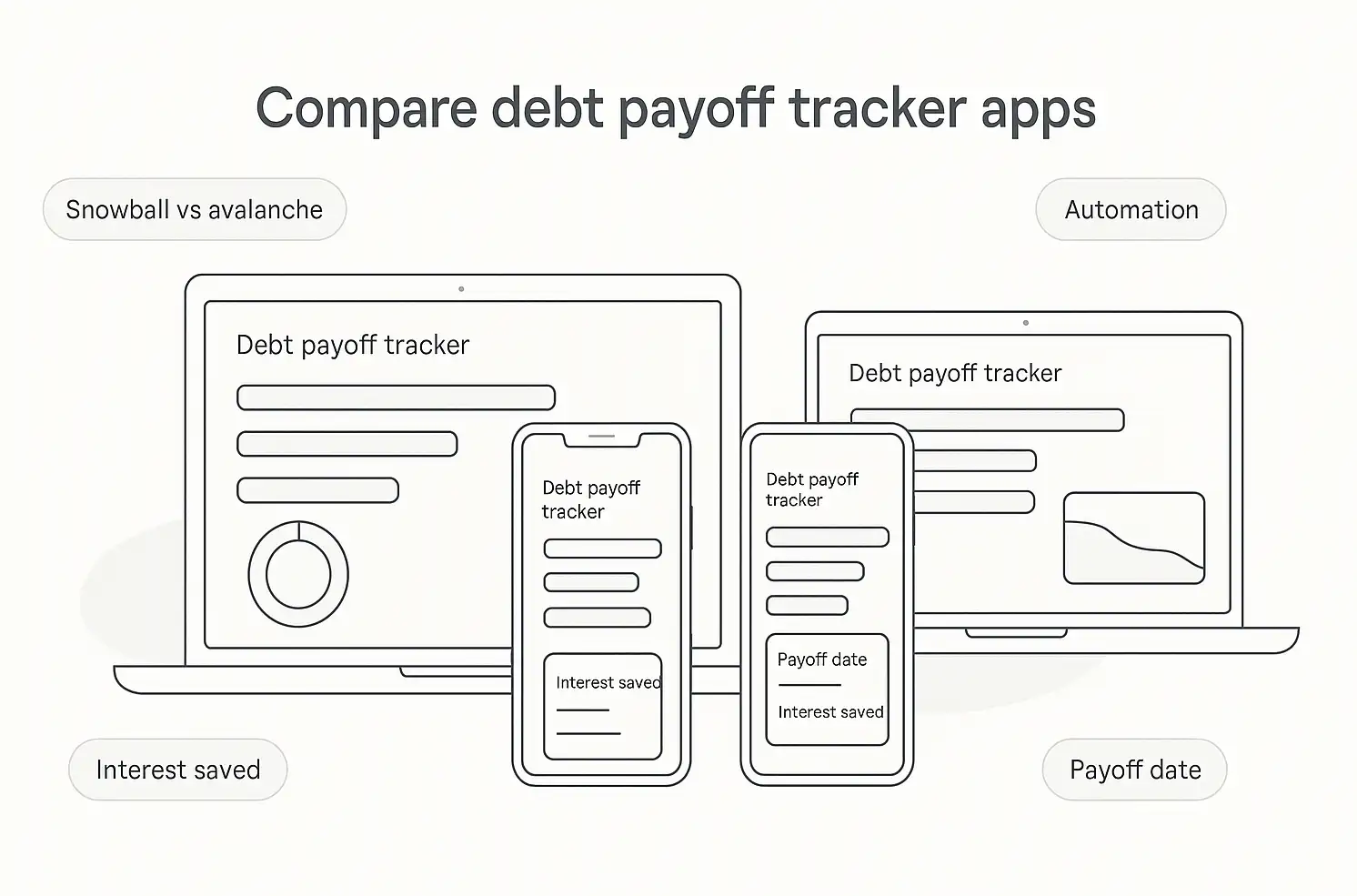
If your monthly budget already works and you mainly need a payoff order, start with a focused tool such as Debt Payoff Planner, Undebt.it, Debt Free, or Unbury.Me. If the harder problem is finding room in the budget for extra payments, YNAB, Goodbudget, or EveryDollar may be a better fit.
For a very simple debt list, you may not need another app at all. A free debt payoff tracker printable or spreadsheet can be enough when you only need balances, minimums, and a payoff order.
2. How Much Automation Do You Want?
Bank syncing can reduce data entry, but it also means checking supported institutions, connection permissions, and the app’s current privacy policy. YNAB, Goodbudget Premium, and EveryDollar Premium offer connected-account features; focused planners and calculators are more manual.
Bank syncing is not the same as payment automation. If you expect a tool to recalculate the plan when one debt reaches zero—or to move money on your behalf—verify that behavior before subscribing or linking accounts.
3. Which Payoff Method Do You Want to Use?
If you are specifically looking for a debt snowball app, EveryDollar is the most method-specific pick here. Debt Payoff Planner, Undebt.it, Debt Free, and Unbury.Me make it easier to compare snowball and avalanche side by side, while YNAB is better thought of as budgeting plus loan payoff planning.
4. What Feature Is Worth Paying For?
Start with the free tier when it covers your actual job. Pay for a plan only when a specific feature—such as bank syncing, household coordination, broader budgeting, or advanced planning—solves a problem you would otherwise have to manage manually.
- Shortlist one or two tools that match your workflow.
- Enter the same balances, APRs, and minimums so you are comparing like with like.
- Check the projected payoff order and date, then confirm current pricing and privacy terms before committing.
Before you add another app, make sure the numbers you’re asking it to manage are actually together. Put your debts beside the rest of your month once, then decide which tool still solves a real problem.
See Your Debts and Monthly Money Picture Together
Enter income, spending, up to 8 debts, and up to 8 goals; the SNAPSHOT sheet brings the key numbers together automatically so you can see what your payoff plan has to work with.
Confirm to get the workbook and frugal money tips. Unsubscribe anytime.
Something went wrong. Please check your email address and try again.
Debt Snowball vs. Avalanche: What the App Should Let You Compare
The two most common payoff orders answer different questions. If you want examples with the math worked through, see our debt snowball vs. avalanche guide.
Debt Snowball: Smallest Balance First
The snowball method sends extra money to the smallest balance while you continue making required payments on the others. Its main appeal is that the first account may disappear sooner, giving you an earlier visible milestone.
Good fits to compare: Debt Payoff Planner, Undebt.it, Debt Free, and EveryDollar support a smallest-balance-first workflow in some form.
Debt Avalanche: Highest Interest Rate First
The avalanche method sends extra money to the highest-interest debt first. When balances, rates, payments, and timing stay otherwise identical, that ordering generally reduces total interest compared with prioritizing a lower-rate balance first.
Good fits to compare: Debt Payoff Planner, Undebt.it, Debt Free, and Unbury.Me let you model a highest-interest-first approach or compare it with another payoff order.
Custom Order: When Neither Default Fits
A custom order can make sense when you have a promotional rate ending, a small balance you need to clear for cash-flow reasons, or another constraint the standard methods do not capture. Undebt.it and Debt Free currently support custom or additional payoff approaches.
How to Keep a Debt Payoff App Useful
A tracker is only useful when its numbers stay current and the routine is simple enough to repeat.
Verify Synced and Manual Balances
Automatic imports can be delayed or categorized incorrectly, while manual trackers depend on you entering changes. Before relying on a payoff date, compare the balances and required payments in the app with your current statements.
Do Not Keep Switching Systems
If the tool handles your debts, payoff order, and updates without creating extra work, consistency usually matters more than chasing another feature. Switch when a real limitation appears—not because another app has a longer feature list.
Use Progress as Feedback, Not Proof
Payoff charts and milestone dates can make a long plan easier to follow, but they are projections based on the numbers you enter. Recalculate after a rate change, missed payment, new charge, or unusually large extra payment.
If motivation is the bigger problem, our debt payoff success stories can provide perspective without changing your payoff method or app again.
Frequently Asked Questions
Which Debt Payoff App Should You Choose?
Start with Debt Payoff Planner if you want a dedicated tracker, YNAB if debt payoff needs to live inside a full budget, or Undebt.it if your priority is comparing payoff methods.
The more specialized picks make sense when their niche matches you: Goodbudget for envelope budgeting, EveryDollar for a snowball-centered budget, Debt Free for an Apple-focused tracker, and Unbury.Me for a quick no-login calculation.
Whichever tool you choose, enter the same balances, APRs, and minimum payments, compare the payoff order it produces, and confirm the current pricing and privacy terms before connecting accounts or paying for an upgrade. Then keep one system current long enough for the projections to stay useful.
This debt payoff tracker app guide is for general education and doesn’t provide personalized financial, legal, or tax advice. Always confirm current terms and availability with each app and consider speaking with a qualified financial professional or nonprofit credit counselor before making major debt decisions.

