
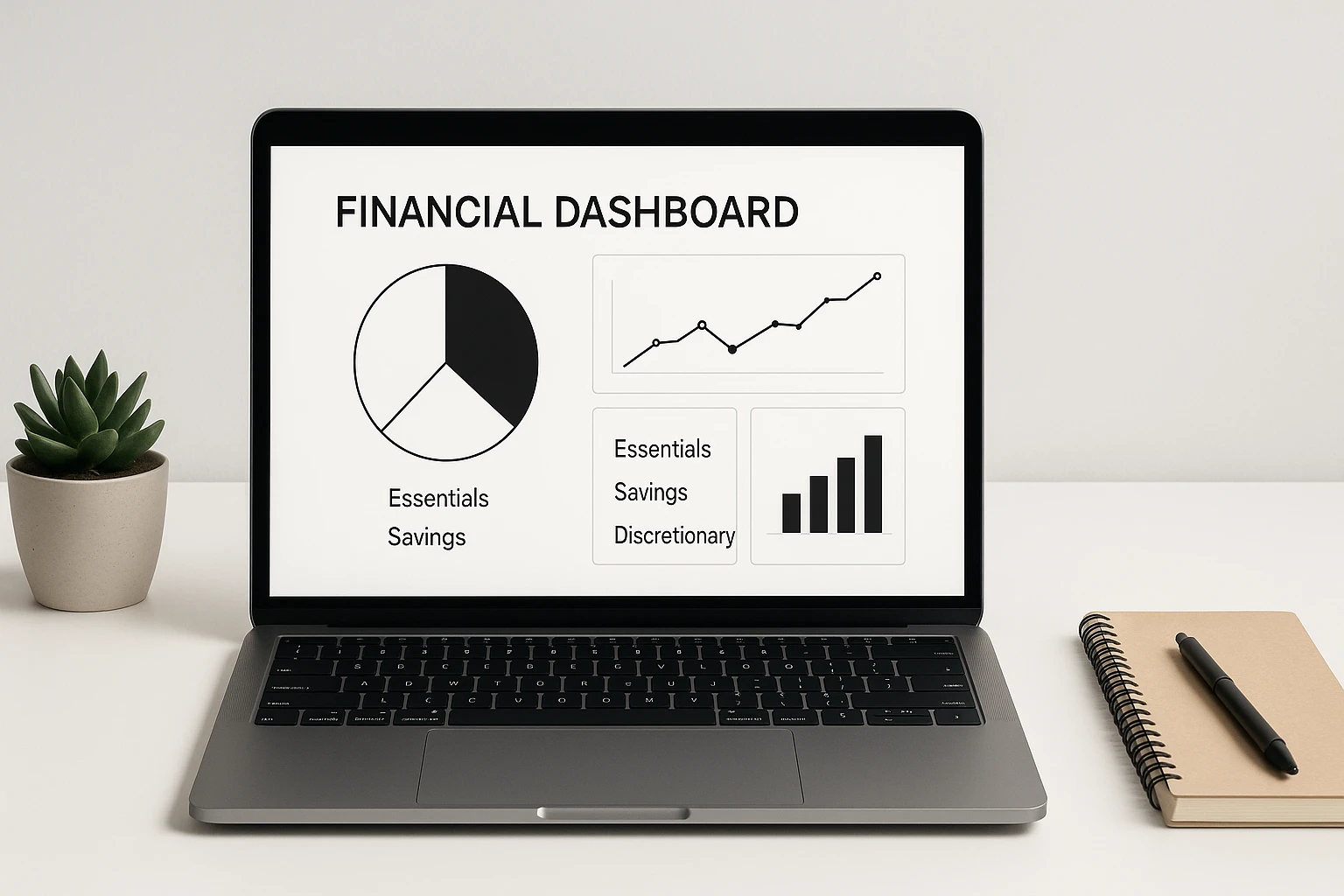
A budgeting tool only works if you keep using it. This guide compares seven great budgeting tools for people who want a simpler system: connected apps, a flexible spreadsheet, and screen-free paper options. You’ll see what each tool does best, where it adds friction, and which budgeting style it suits.
If you want the habits behind the tools, start with the broader money mindset guide. If you want a fast starting point, the matcher later in this guide narrows the list by the format and level of involvement you are most likely to maintain.
This page contains Amazon affiliate links. As an Amazon Associate, I earn from qualifying purchases. Learn more.
Table of Contents
- Quick Guide to Choosing a Budgeting Tool
- What Is Simplified Budgeting?
- Put Your Budget Numbers on One Screen
- What Makes a Budgeting Tool Worth Using?
- Find Your Best-Fit Budgeting Tool
- 7 Great Budgeting Tools for 2026
- Frequently Asked Questions
- Choose One Tool for the Next 30 Days
Quick Guide to Choosing a Budgeting Tool
- Pick the workflow first: Minimalist budgeting tools work best when the format matches how you want to manage money—connected app, spreadsheet, or paper.
- Use automation selectively: Automate the parts you dislike, but keep the decisions you actually want to make visible.
- Test one system for 30 days: A tool that is easy enough to maintain will usually beat a more powerful setup you avoid opening.
What Is Simplified Budgeting?
Simplified budgeting means tracking enough to make useful decisions without turning the budget into a second job. Start with the numbers that change what you do—income, recurring bills, flexible spending, savings, and debt—and add detail only when it earns its keep. The goal is not the fewest categories; it is the fewest categories that still tell you what to do next. For more on pairing simplicity with savings, see how minimalism can save you money.
If you want a beginner-focused walkthrough built around reducing setup and upkeep, use the separate minimalist budgeting guide. This article stays focused on choosing among broader app, spreadsheet, and paper formats.
Before you choose an app, spreadsheet, or paper system, it helps to see the numbers you need the system to organize.
Put Your Budget Numbers on One Screen
Enter income, spending, up to 8 debts, and up to 8 goals; the SNAPSHOT sheet totals them automatically.
Confirm to get the workbook and frugal money tips. Unsubscribe anytime.
Something went wrong. Please check your email address and try again.
What Makes a Budgeting Tool Worth Using?
A good budgeting tool should reduce decision friction, not create another maintenance project. Before you commit to one, look for five things:
- Clear next action: You can tell what to spend, save, or adjust without digging through unnecessary screens.
- Right amount of automation: Repetitive tracking can happen automatically while important choices stay visible.
- Low maintenance: The system is simple enough to update consistently.
- Room to adapt: Categories, priorities, and spending limits can change when real life does.
- Connection comfort: If an app links financial accounts, use it only if you are comfortable with that setup; choose a manual spreadsheet or paper system if you would rather not sync accounts.
For a broader step-by-step budgeting process, see NerdWallet’s guide to budgeting.
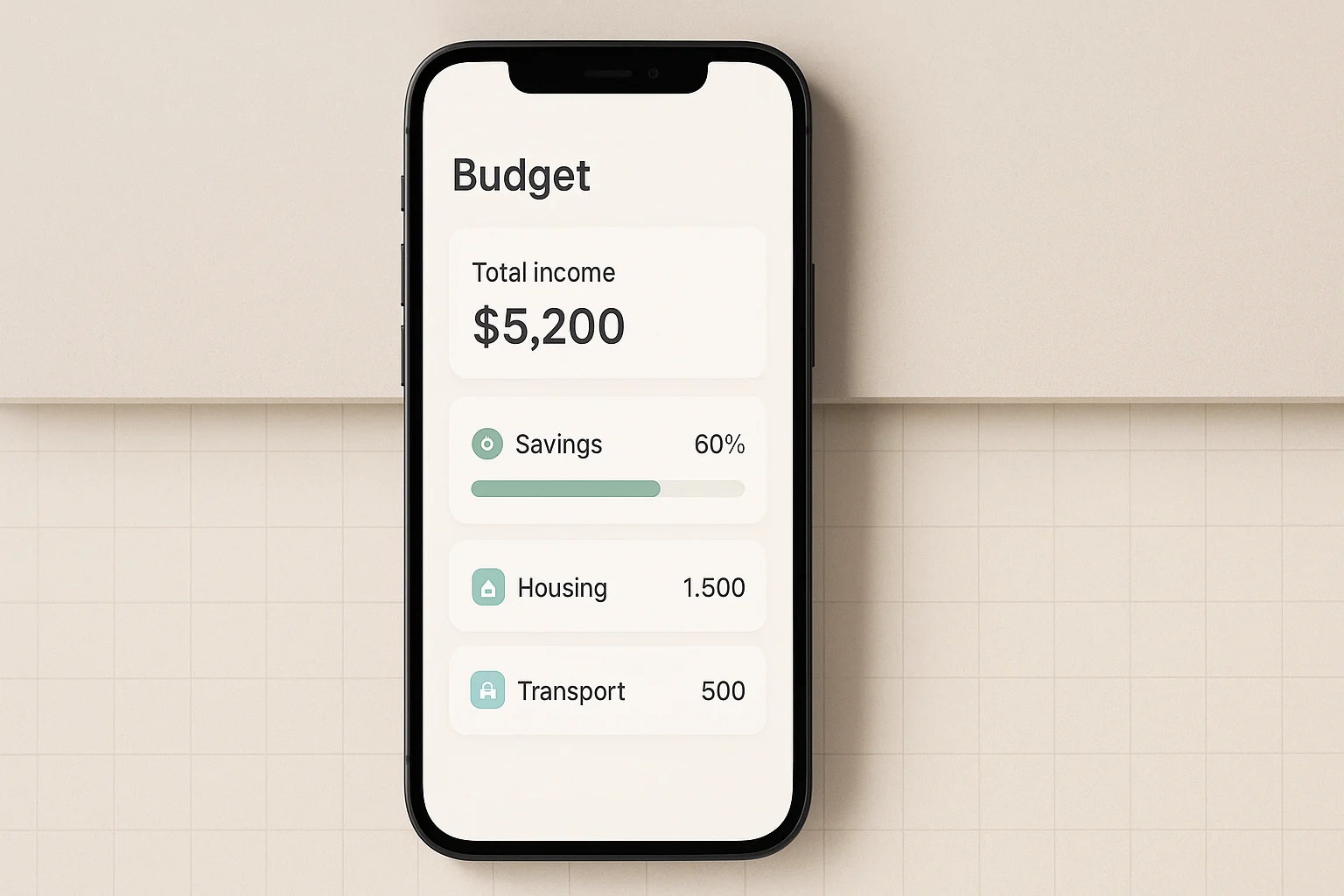
Different budgeting tools solve different kinds of friction. Use this quick matcher to narrow the seven main picks—or the optional cash-envelope alternative—to one starting point before you compare the full list.
Find Your Best-Fit Budgeting Tool
Pick the format you will realistically use. App and paper choices get one short follow-up; the paper path also includes the optional cash-envelope alternative.
Choose a format to start.
The matcher will either give you a direct spreadsheet fit or ask one short follow-up for apps and screen-free tools.
Your match is a starting point, not a verdict. The full list below explains the trade-offs so you can compare it with the other options.
7 Great Budgeting Tools for 2026
These seven options are current for 2026. The four connected choices are simple budget apps with different jobs: active planning, a full-picture dashboard, a quick spending guardrail, and digital envelopes. Google Sheets gives you manual control, while the paper options remove screen time entirely.
1. You Need a Budget (YNAB)
YNAB is the most hands-on app in this list. Its current method centers on one question—what is this money for?—so you assign available money intentionally, plan for later needs, and adjust when priorities change. That makes it a better fit for readers who want to actively plan instead of mainly watching a dashboard. If you’re tackling debt, you might find debt snowball vs. avalanche helpful.
- Best for: Hands-on planners who want to assign available money intentionally.
- What it does: Spending and savings targets, loan planning, account tracking, and spending/net-worth reports.
- Trade-off: The active planning is the point, but it can feel like extra work if you mainly want passive tracking.
- Cost: Subscription-based.
2. Monarch
Monarch is the full-picture option in this list. It can connect financial accounts, categorize transactions, track cash flow and investments, support goals, and give household members a shared view. It is also a strong place to start if you are replacing Mint and want budgeting plus a broader financial dashboard.
- Best for: Couples or households that want one dashboard for budgeting, cash flow, investments, goals, and collaboration.
- What it does: Connects accounts, categorizes transactions, tracks investments and goals, and provides customizable reports.
- Trade-off: The broader feature set may be more than you need if you only want a bare-bones monthly budget.
- Cost: Subscription-based.
3. PocketGuard
PocketGuard is built around its Leftover number: the amount available after planned expenses, goals, and debt payments. That makes it useful if you mainly want a quick spending guardrail without a more involved planning system.
- Best for: A quick guardrail for how much is left after planned expenses and goals.
- What it does: Categorizes transactions, tracks bills and subscriptions, supports goals and debt payoff, and calculates Leftover.
- Trade-off: The snapshot is useful for day-to-day decisions, but irregular or future expenses still need deliberate planning.
- Cost: Premium subscription with a free trial; check the current pricing page before signing up.
4. Goodbudget
Goodbudget uses digital envelopes to divide available money into spending categories before you spend it. It is a strong fit if seeing category limits up front is more useful to you than a dashboard built around account balances.
- Best for: People who think clearly in spending envelopes and want to share a household budget.
- What it does: Envelope budgeting, debt tracking, saving for larger expenses, and budget syncing/sharing across devices.
- Trade-off: Envelopes require ongoing category maintenance, and automatic U.S.-bank sync is a Premium feature.
- Cost: Free plan with limits; Premium adds unlimited envelopes/accounts and supported bank sync.
5. Google Sheets Simple Budget Template
Google Sheets is a flexible budget spreadsheet option if you want to control the categories and formulas yourself without adding a dedicated budgeting-app subscription. Anyone with a Google Account can create a Sheet, and Google’s Template Gallery remains available if you prefer to start from a template. Want more free options? Check out free financial tools for savers.
- Best for: Spreadsheet users who want full control without paying for a separate budgeting app.
- What it does: Custom categories, formulas, charts, and collaboration in a spreadsheet you control.
- Trade-off: You are responsible for the setup, formulas, and ongoing maintenance.
- Cost: No separate Sheets subscription is required for a personal Google Account; some Workspace features are paid.
- Start here: Use the Google Sheets Template Gallery or begin with a blank sheet for the leanest setup.
6. Printable or Paper Budget Planners
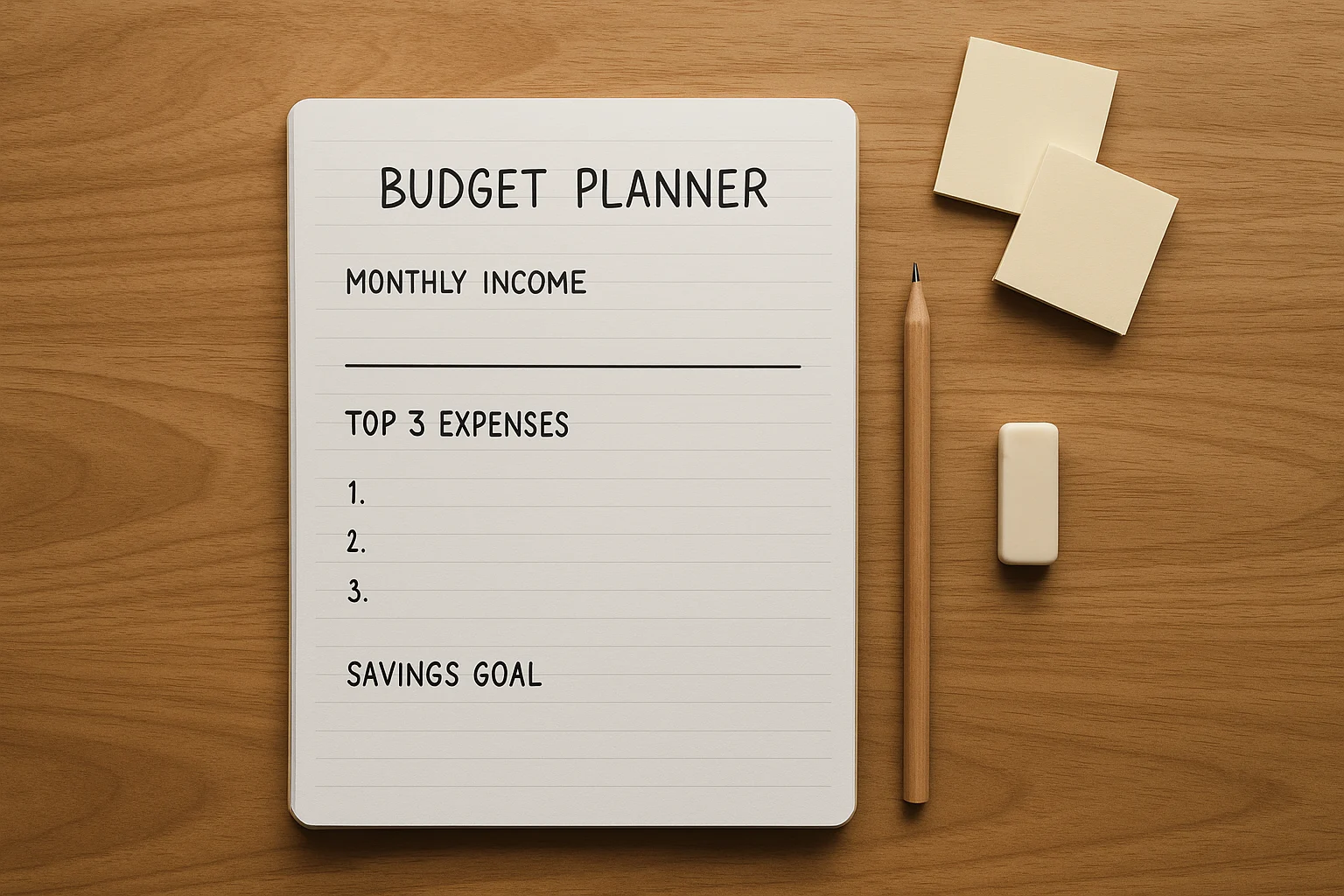
Paper planners suit readers who want a screen-free routine and do not mind recording the numbers themselves. A printable sheet keeps the setup lightweight; a bound planner gives bills, savings, debt, and expenses one consistent home.
- Best for: Screen-free monthly planning and people who remember information better when they write it down.
- What it does: Keeps income, bills, savings, debt, and spending notes in one physical system.
- Trade-off: There is no automatic syncing or categorization, so the system only stays current when you update it.
- Cost: Varies by printable or bound format.
For an undated paper system: Clever Fox Budget Planner — 5.8 × 8.3 in.
The 12-month undated planner includes bill, savings/debt, and expense-planning sections. Choose it if you want one reusable paper home for the whole budget; skip it if a spreadsheet or app already stays current.
7. Wallet-Sized Trackers
A wallet-sized notebook or budgeting card is the lightest paper option in the list. It works best when the immediate problem is noticing small purchases as they happen, not building a complete monthly plan.
- Best for: Quick on-the-go spending awareness.
- What it does: Gives you a simple place to record purchases before they disappear from memory.
- Trade-off: It helps with awareness, but it does not replace a full plan for bills, savings, or irregular expenses.
- Cost: Usually low; any small notebook or card can do the job.
Optional screen-free alternative: Cash envelopes
If your biggest problem is category overspending rather than remembering transactions, physical cash envelopes make the limit visible before you spend. They are more structured than a pocket notebook, so they fit readers who want firm boundaries for a few variable categories.
For visible category limits: Clever Fox Cash Envelopes for Budgeting — 12 Pack System.
The set includes 12 cash envelopes, a carry pouch, and 12 expense-tracking sheets. Choose it when cash boundaries help more than another app; skip it if you rarely pay in cash.
Frequently Asked Questions
Choose One Tool for the Next 30 Days
Do not optimize the system before you have used it. Start with the budgeting tool matcher above, then run a simple 30-day trial:
- Pick one tool. Set up only what you need to make the first useful budget decision.
- Check it once a week. Notice whether it makes spending, saving, or adjustment decisions clearer.
- Decide after 30 days. Keep it if you used it consistently; if not, switch formats before adding more categories or features.
The goal is not a perfect budgeting system. It is a system simple enough to maintain and useful enough to change what you do next.
Find your best-fit budgeting tool
This guide is general educational information, not personalized financial advice. App features, pricing, and account-connectivity options can change, so verify current terms before paying for a service or linking financial accounts. For decisions involving debt, investing, taxes, or other high-stakes choices, consider qualified professional advice.

