
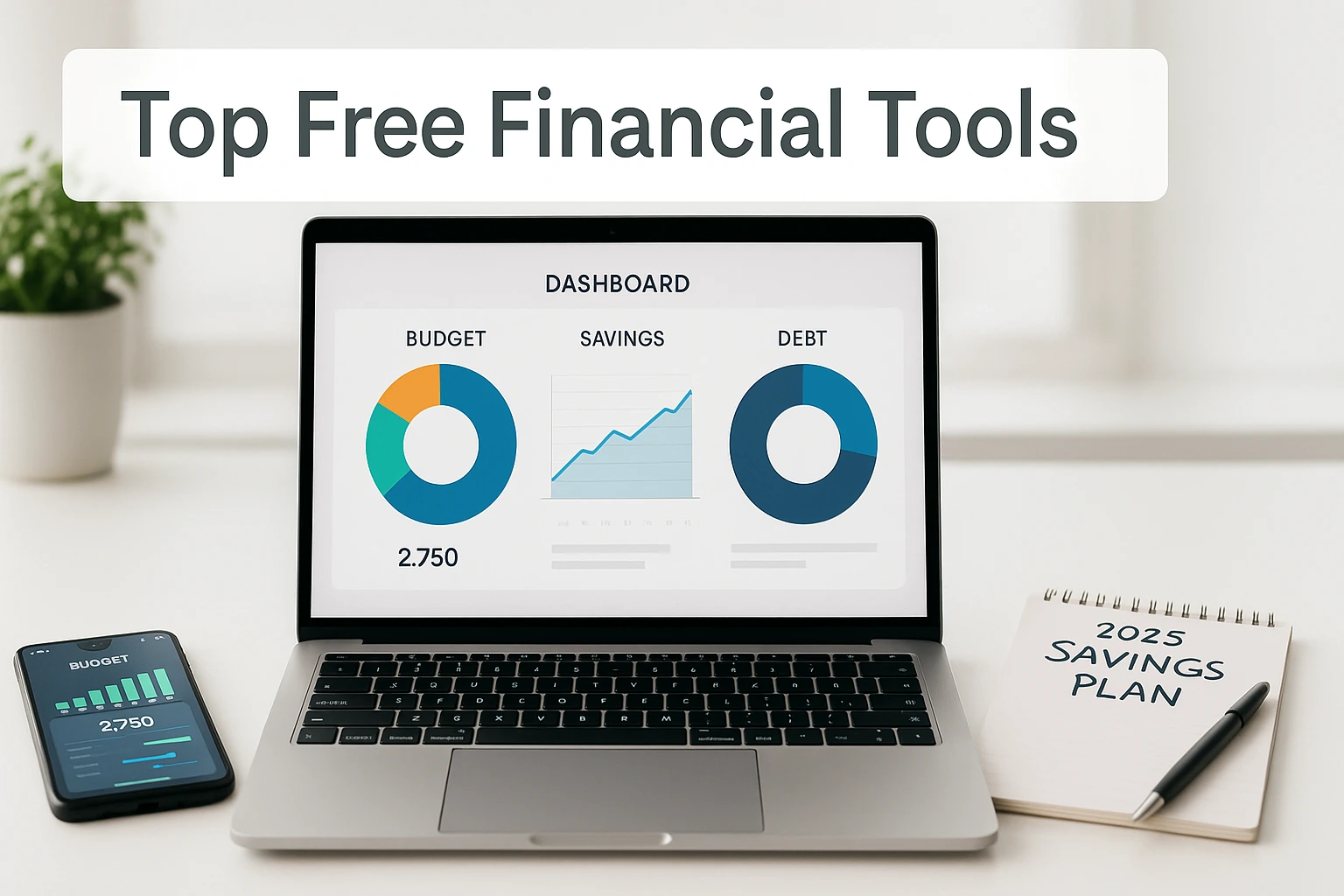
Money keeps slipping away? You’re not alone. The good news: free financial tools can make budgeting, saving, and debt payoff feel doable. This guide shows quick wins and the best no-cost apps and templates to try today—then helps you pick one that fits your style. For a broader system you can follow step by step, see our how to live frugally and save money guide.
- Credit Karma — free spending insights for ex-Mint users.
- EveryDollar (Free) — zero-based budgeting with full control.
- Empower Personal Dashboard — automated big-picture tracking.
- PocketGuard — “In My Pocket” shows safe-to-spend.
- Goodbudget — visual envelope budgeting for teams.
- Google Sheets templates — customizable trackers you own.
- Undebt.it — plan snowball or avalanche payoffs.
- Debt Snowball spreadsheet — quick wins for momentum.
- Savings Goal calculator — monthly target math in seconds.
Find Your Best Free Financial Tool (Quick Quiz)
Quick quiz to match you with a free tool.
This post contains affiliate links. If you buy through our links, we may earn a commission at no extra cost to you. Learn more.
Table of Contents
- Why Use Free Financial Tools?
- Best Free Budgeting Apps
- Spreadsheets vs. Apps (Free Options)
- Savings Trackers
- Net Worth Calculators
- Debt Payoff Plans (Free Options)
- Tips for Staying Motivated
- Interactive Free Financial Tool Recommender
- Frequently Asked Questions
Key Takeaways
- Simplify budgeting: Apps and spreadsheets make tracking income and expenses easy.
- Monitor growth: Savings and net-worth tools show progress in real time.
- Conquer debt: Payoff planners help you choose a strategy and stick to it.
- Find your fit: Pick options that match your style and goals.
- Stay consistent: Light weekly check-ins keep momentum going.
Why Use Free Financial Tools?
Keeping track of money can feel like a headache, but no-cost money tools can make it simpler. They show where your dollars go, help you grow savings, and give you a clear view of your finances. These no-fee tools work for everyone—students stretching every penny, families juggling bills, and entrepreneurs planning ahead. With the right mix of apps and spreadsheets, you can budget like a pro, map out your future, and dial down money stress—without paid subscriptions.
- Know your spending: Spot leaks fast and keep more of what you earn.
- Set clear goals: Home, debt-free date, or rainy-day fund—plan it and track it.
- Keep moving: Use quick weekly check-ins to adjust when life changes.
- Make smarter choices: Ditch unused subscriptions and redirect cash to goals.
- Save more: Trim waste so you can invest or build reserves.
Take Sarah, a teacher who found $200/month in overspending and redirected it to her emergency fund. Mark, a small-business owner, saved $1,500/year by tracking expenses. Chloe, a freelancer, paired an app with Google Sheets to stay ahead on taxes and savings. Prioritize safety: use strong passwords and two-factor authentication, and review linked accounts regularly.
New to all this? Start with our beginner’s guide on how to start living frugally.
Educational only. Apps, limits, and pricing change; review official sites and consider professional advice for your situation.
Best Free Budgeting Apps
Budgeting is the key to getting your finances on track, and it doesn’t have to be a chore. We’ve rounded up the best free tools for budgeting that make tracking income and expenses easier. Whether you’re a freelancer with up-and-down income, a student stretching every dollar, or a couple planning together, these apps are designed for you. With user-friendly designs, the right app helps you build budgeting habits that stick.
Budget tools free: quick picks
Hunting for budget tools free and simple to use? Start with one of these:
- Credit Karma — light automation and alerts.
- PocketGuard — quick “In My Pocket” view.
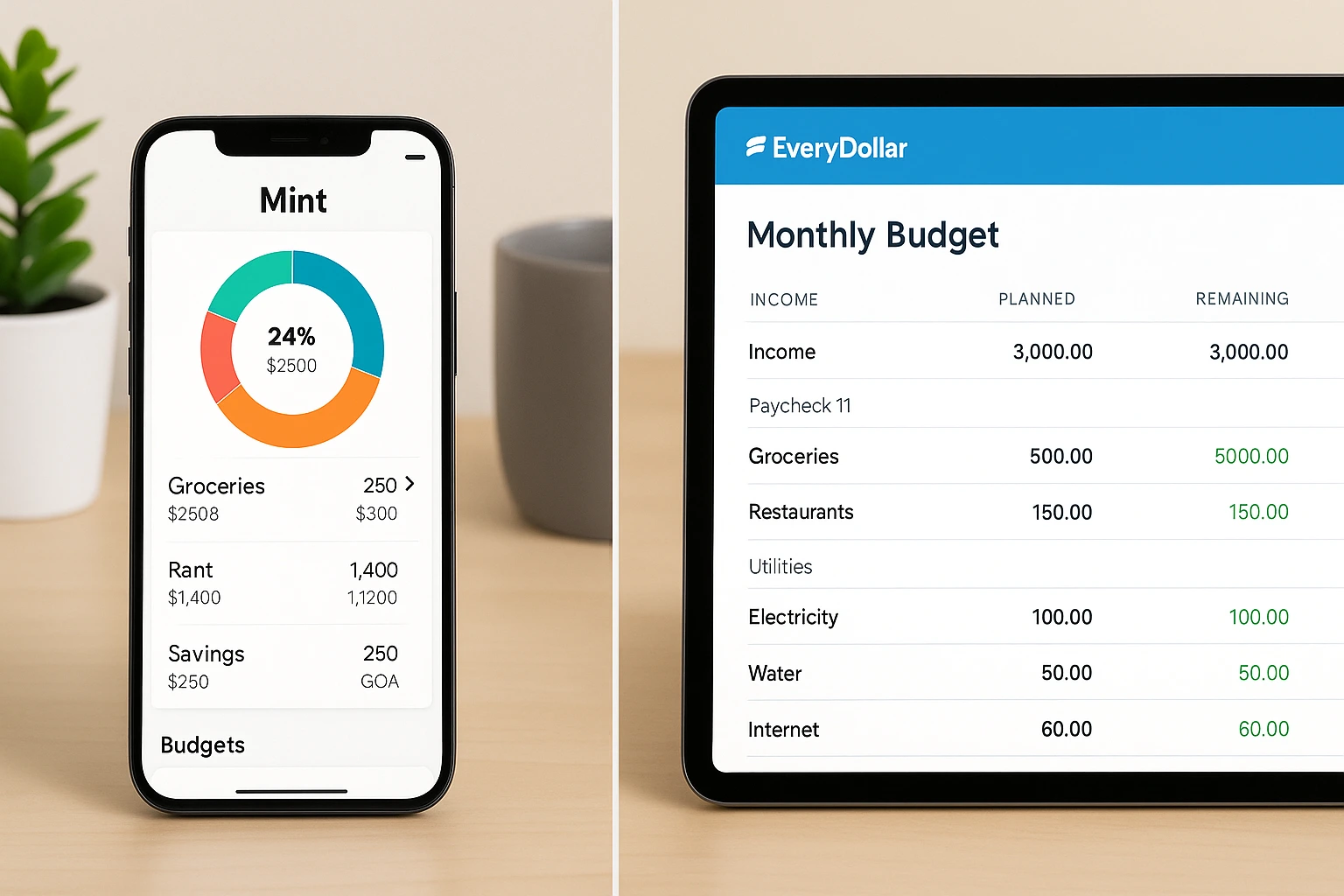
- EveryDollar (Free) — full control with zero-based budgets.
Prefer spreadsheets? Grab our zero-based budgeting spreadsheet and customize it in minutes.
Credit Karma (post-Mint)
What It Offers: Free credit monitoring plus basic spending insights. A solid home for former Mint users who want account views and alerts, though budgeting controls are more limited.
- Platform: iOS, Android, Web
- Best For: Ex-Mint users who want free tracking and credit features.
EveryDollar (Free Version)
Key Features: Zero-based budgeting where every dollar gets a job. The free plan favors manual entry; paid plans add bank sync.
- Platform: iOS, Android, Web
- Best For: Hands-on budgeters who like full control.
Empower Personal Dashboard (formerly Personal Capital)
Key Features: Tracks spending, net worth, and investments with a robust free dashboard.
- Platform: iOS, Android, Web
- Best For: Big-picture planners with multiple accounts.
PocketGuard
Key Features: “In My Pocket” shows spendable cash after bills and goals to prevent overspending.
- Platform: iOS, Android, Web
- Best For: Anyone who wants a straightforward, low-friction view.
Clean, simple experience; less flexible for complex budgets.
Goodbudget
What It Offers: Digital envelopes to split income into categories. The free plan includes 10 regular and 10 annual/goal envelopes; plan limits may change—check current details.
- Platform: iOS, Android, Web
- Best For: Visual budgeters and couples.
Great for teamwork; envelope limits can feel tight for larger households.
Spreadsheets vs. Apps (Free Options)
Choosing between spreadsheets and apps depends on your style. Spreadsheets give you full control—for side hustles and granular plans—while apps make tracking quick on the go. Here’s a comparison:
| Feature | Spreadsheets (e.g., Google Sheets) | Budgeting Apps (e.g., Credit Karma) |
|---|---|---|
| Automation | Limited | High |
| Customization | High | Medium |
| Ease of Use | Can be complex | User-friendly |
| Accessibility | Cloud-based | Multi-device |
| Cost | Free | Free versions available |
| Security | Depends on user practices | Built-in measures |
Spreadsheets: Templates let you plan every detail—perfect if you love digging into numbers.
Apps: Automation can save time; always review privacy settings and enable two-factor authentication when linking accounts.
If your current bank makes budgeting harder instead of easier, this option can sit right alongside your favorite free tools:
Once your accounts support your system, savings trackers and calculators feel much easier to stick with.
Savings Trackers
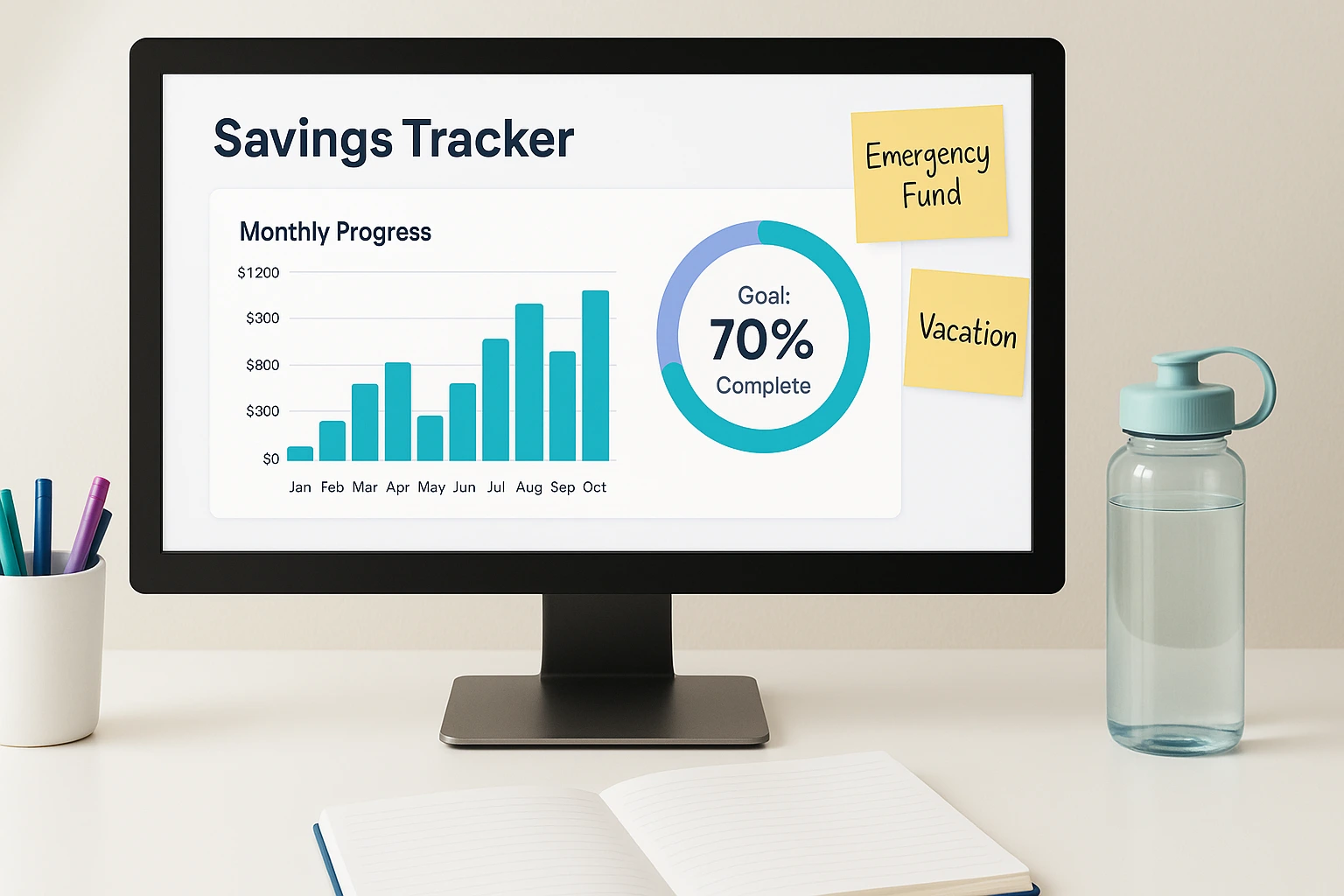
Watching your savings grow is motivating. These tools show your progress in real time—great for short-term goals (like a getaway) or an emergency fund.
Google Sheets Templates
Key Features: Build custom trackers with charts to monitor goals.
- Platform: Web
- Best For: Customizable tracking.
Set milestones and use charts to stay on target.
Savings Goal Calculators
Key Features: Quick math on how much to save monthly for a target.
- Platform: Web
- Best For: Fast planning.
Great for estimates; you’ll still want ongoing tracking elsewhere.
Qapital (savings app example)
Key Features: Goal-based saving with automated rules and nudges. Note: pricing and features change—check current plan details.
- Platform: iOS, Android
- Best For: Automating saves toward specific goals.
Net Worth Calculators
Your net worth (assets minus liabilities) shows how you’re doing financially. These tools make it easy to keep tabs on it:
Spreadsheet Template (Excel/Sheets)
Key Features: Track assets and liabilities manually for updates.
- Platform: Web / Desktop
- Best For: Custom tracking.
Flexible but requires manual upkeep.
Online Net Worth Calculators
Key Features: Quick one-time estimates via web forms.
- Platform: Web
- Best For: One-off calculations.
Fast, but you’ll still want an ongoing tracker.

Debt Payoff Plans (Free Options)
Debt can hold you back from financial freedom. These tools help you create smart repayment strategies and work well alongside a budget. Want a deeper dive? Compare the debt snowball vs. avalanche to pick your best path.
Undebt.it
Key Features: Supports snowball and avalanche; customize plans to your balances and rates.
- Platform: Web
- Best For: All-in-one debt planning.
Highly flexible for personalized strategies; manual data entry required.
Debt Snowball Spreadsheet
Key Features: Pay smallest balances first for quick wins and motivation.
- Platform: Web (Google Sheets, Excel)
- Best For: Motivation seekers.
Great momentum; may cost more in interest overall.
Debt Avalanche Spreadsheet
Key Features: Target highest interest rates first to save the most money.
- Platform: Web (Google Sheets, Excel)
- Best For: Efficiency and interest savings.
Maximizes savings; requires patience for big balances.
Prefer a printable? Download our free debt payoff tracker.
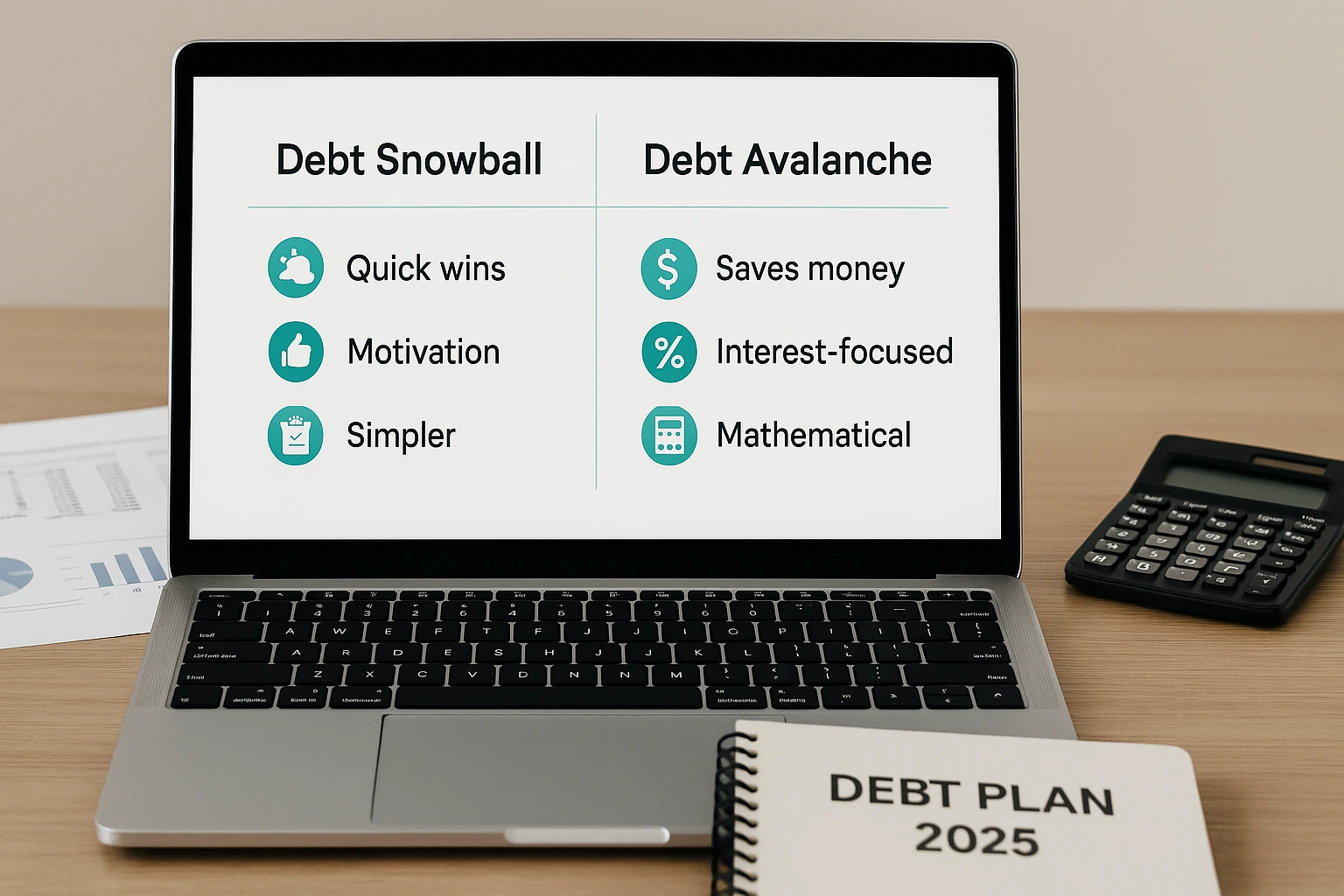
Snowball vs. Avalanche: Snowball fuels motivation; avalanche minimizes interest. Choose the path you’ll stick with—and keep your spending aligned via a budgeting app.
| Feature | Debt Snowball | Debt Avalanche |
|---|---|---|
| Prioritization | Smallest balance first | Highest interest rate first |
| Motivation | High (quick wins) | Lower (slower initially) |
| Cost | Higher interest | Lower interest |
| Best For | Motivation seekers | Cost savers |
Tips for Staying Motivated
Using free tools is a great start—sticking with them is what counts. Try these:
- Start small: Pick one change you can keep.
- Celebrate wins: Track progress and high-five milestones.
- Team up: Share goals with a friend or partner.
- Treat yourself: Small rewards keep motivation high.
- Keep going: Slip-ups happen—reset and continue.
Build routines that last with these budgeting habits that stick.
Frequently Asked Questions
Conclusion
Managing money doesn’t have to be complicated—or expensive. These free tools can help you budget, grow savings, track your net worth, and attack debt with a plan. Choose the options that fit your life, stick with them, and your progress can compound. Start today and build a future that feels calm, clear, and under your control.
This content is for informational purposes only and not financial advice. Consult a professional before making financial decisions.

